October 21, 2026 · Austin Mann
iPhone Duo for Creative Pros
- Location
- Kansas and Iceland
- Captured
- Oct 2026
- Camera
- iPhone Duo
A week with the iPhone Duo at home, camping and in Iceland. A capable camera with new tricks, and a creative powerhouse for planning, editing and sharing.
Hi from Iceland!
In the last week, I’ve had a lot of fun getting to know the iPhone Duo at home, camping with family and yesterday I arrived in Iceland to guide some friends on a private tour.
Honestly, the idea of a folding iPhone didn’t immediately appeal to me. I usually like smaller devices, but when I first started playing with the Duo in September, I realized it’s really something special and I couldn’t wait to get my hands on a review unit from Apple. The iPhone 18 Pro remains the most powerful camera in the lineup, and though the Duo also has an excellent camera, where it really shines is everything around the photograph: planning, editing and sharing.
I always approach these projects with one question, and though the camera isn’t the whole story here, it’s still my question:
HOW DOES THIS NEW TECH MAKE MY PHOTOS AND VIDEOS BETTER?
As I’ve looked to answer this question, I haven’t been able to go all-in on a dedicated shoot like I usually do for my camera reviews, but I learned a lot just having the Duo with me as I work, shoot and travel.
Let’s jump in.
After my iPhone 18 Pro Camera Review, many of you asked for more insight so I’m releasing my iPhone 18 Pro Camera Field Guide on November 1st, sign up here to be the first to know when it drops.
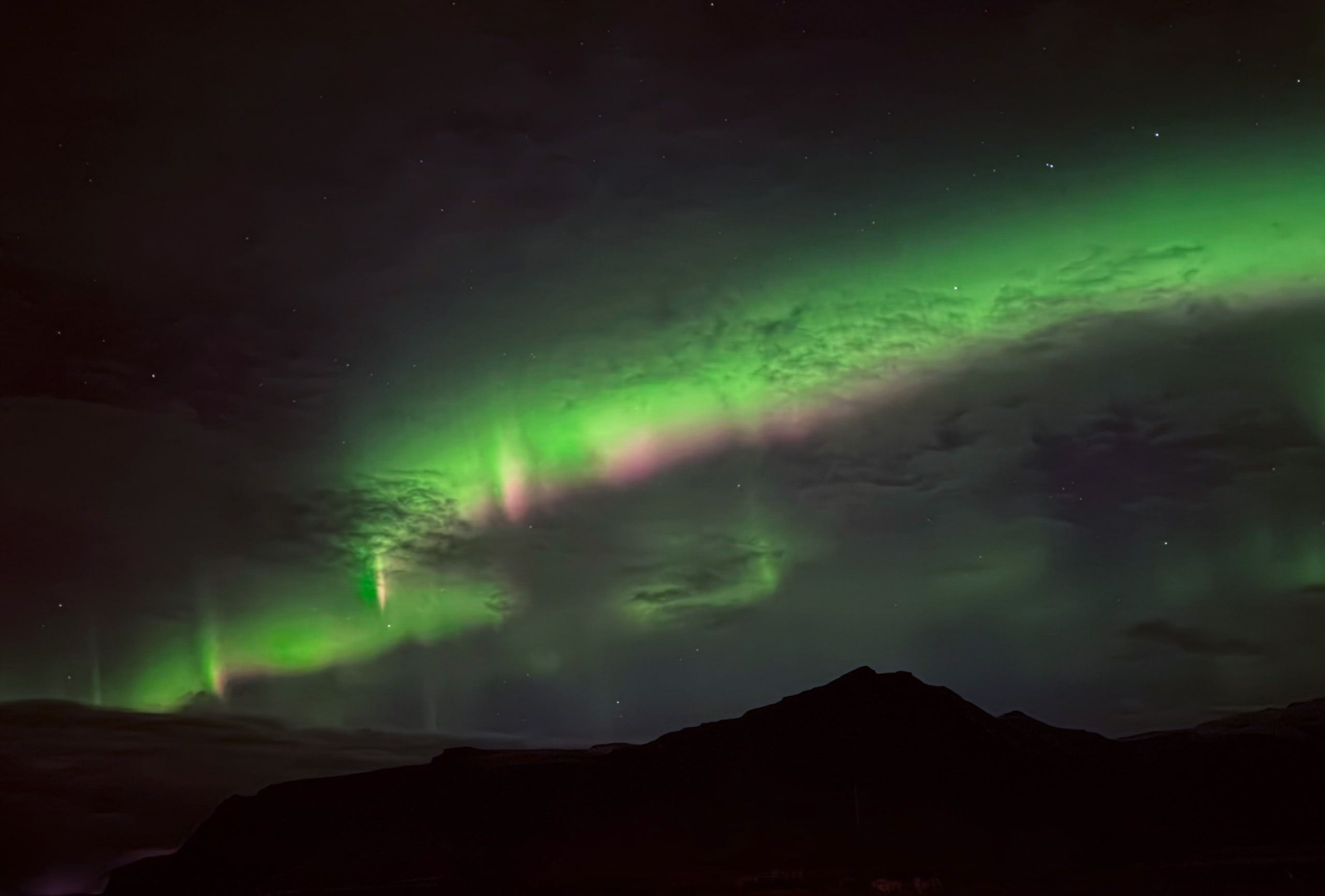
Aurora over southern Iceland. Night mode, no tripod, Duo in seated positioniPhone Duo26mm1xƒ/1.65sISO 5000
No tripod needed
You never know when the aurora might show itself and though I almost always have my Ultrapod + Glif tripod with me, sometimes it’s back in the room when needed! Last night in the parking lot of our hotel in southern Iceland, the aurora started dancing in the sky. I partially opened the iPhone Duo, set it on top of the car and used Night mode and was able to capture the aurora overhead without ever fiddling with a tripod. What a moment in iPhone photography history!
The iPhone camera team is always looking for ways to eliminate the need for additional hardware (integrating lenses, building Action mode so no gimbal is needed, etc) and this is a BIG one. The iPhone Duo can now shoot long exposures in Night mode without a tripod!
Smart Take
I’ve found Smart Take works surprisingly well. Apple says “it follows the scene in real time and automatically snaps the photo when everyone is posed and ready,” and it does.
We went camping this weekend and while Olivia and I were playing on a merry-go-round at the campground I decided to try it out. I partially opened the Duo, set it on the ground in laptop-style mode (no tripod needed), set it to Smart Take and sat down with Olivia. The Duo waited til we were both looking at the camera (which of course took a second for Olivia) and then snapped automatically.
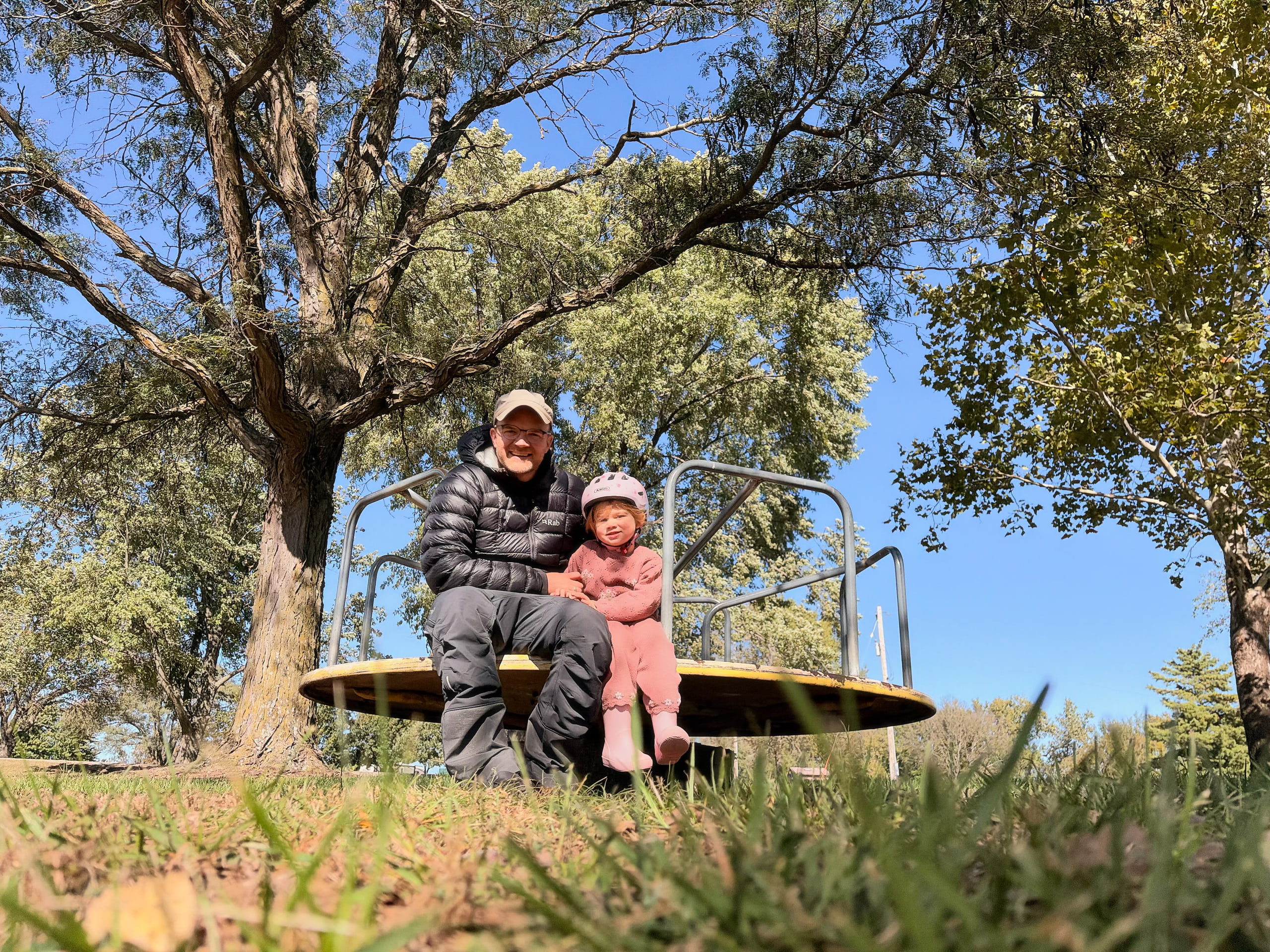
Olivia and me on the merry-go-round, captured by Smart TakeiPhone Duo26mm1x12MPƒ/1.61/7000ISO 200
Anyone with kids knows how tough it can be to get a young kid to look at the camera, so I think this feature is going to be super popular.
To turn on Smart Take, open the Camera and tap the Grid icon in the lower right to reveal camera settings, choose Smart Take.
Traveling with Duo
Duo has been handy while traveling.
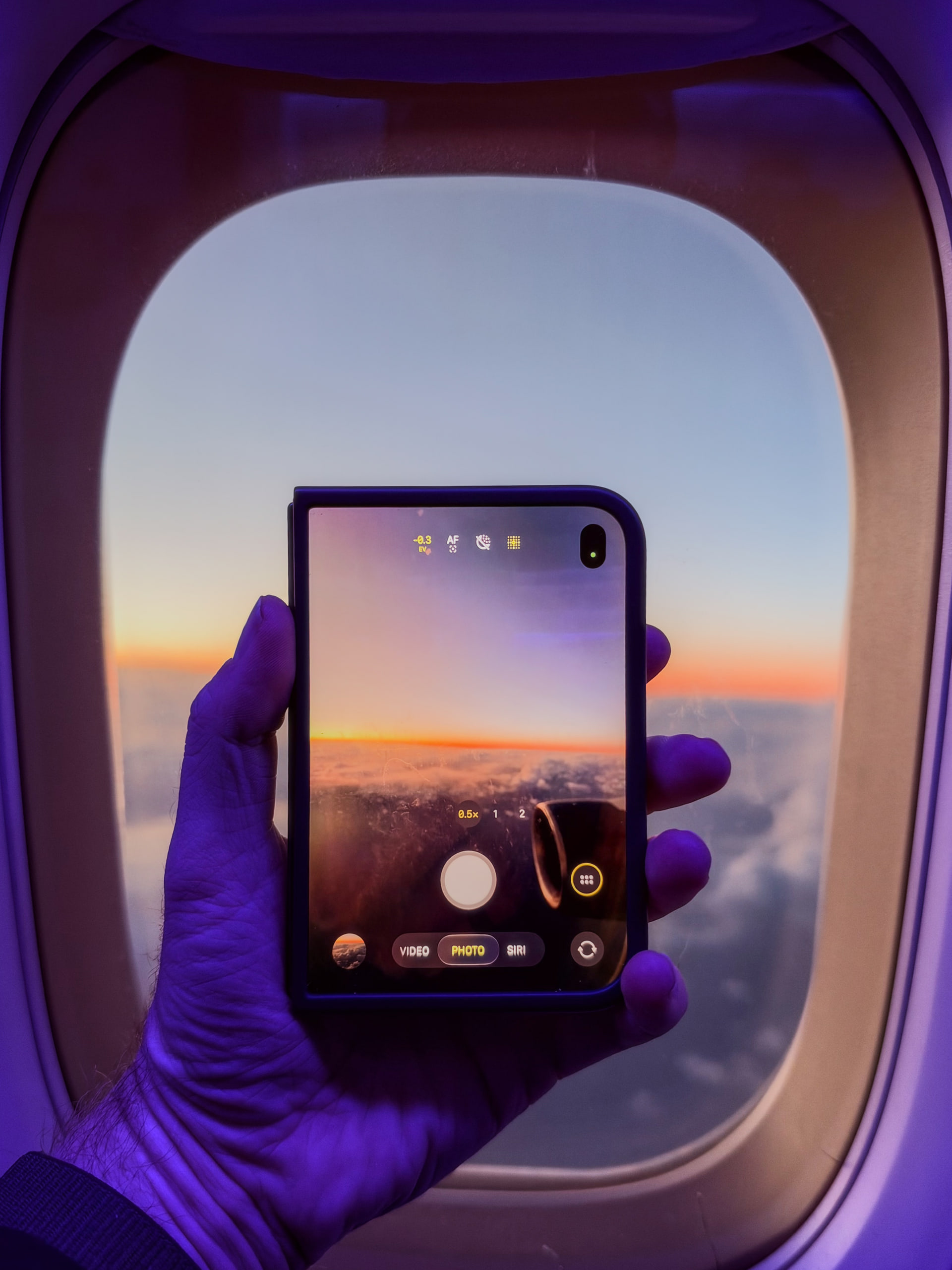
Shooting in the folded position. Photo of the Duo made with iPhone 18 ProiPhone 18 Pro24mm1x18MPƒ/1.51/80ISO 250
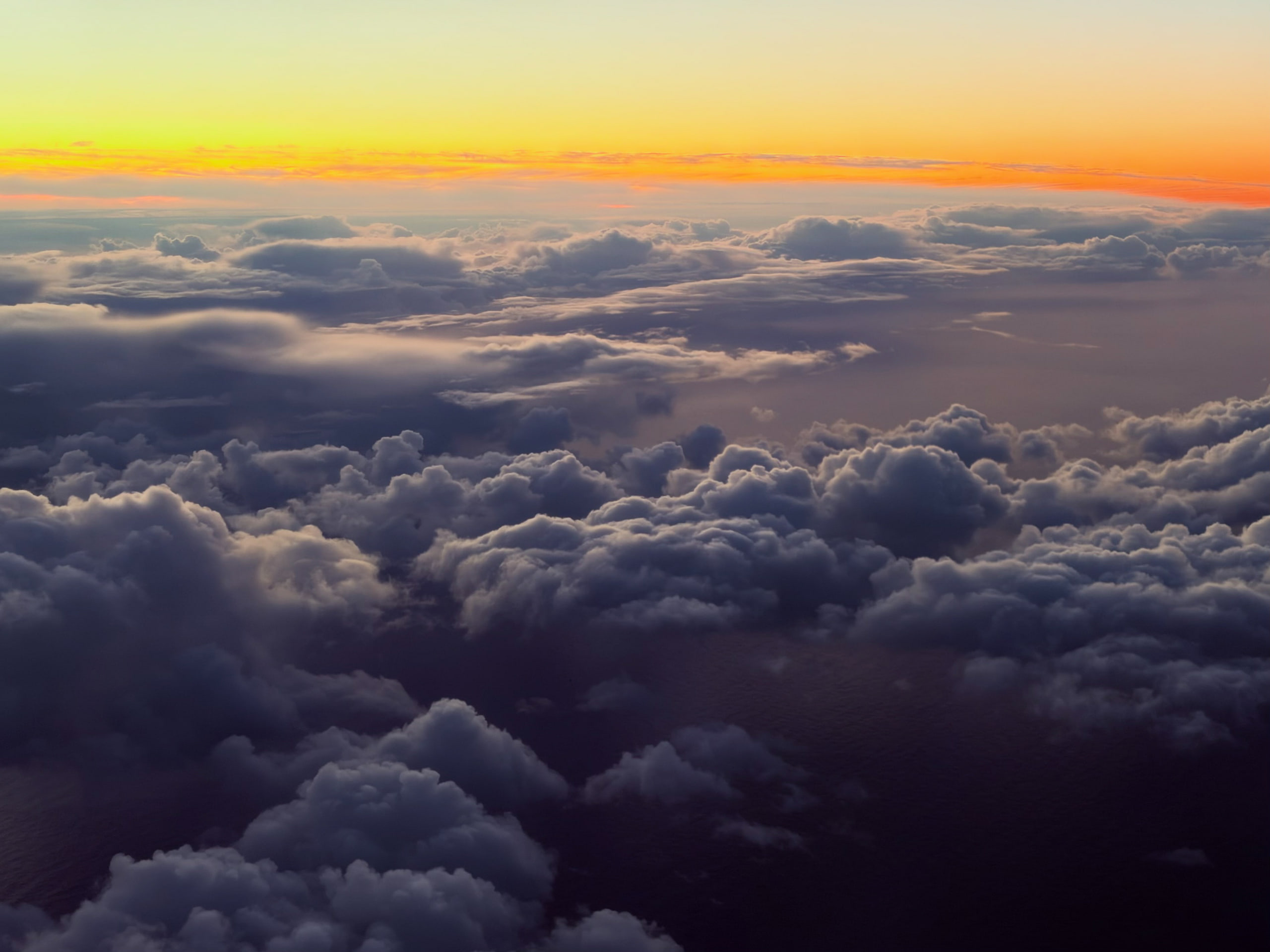
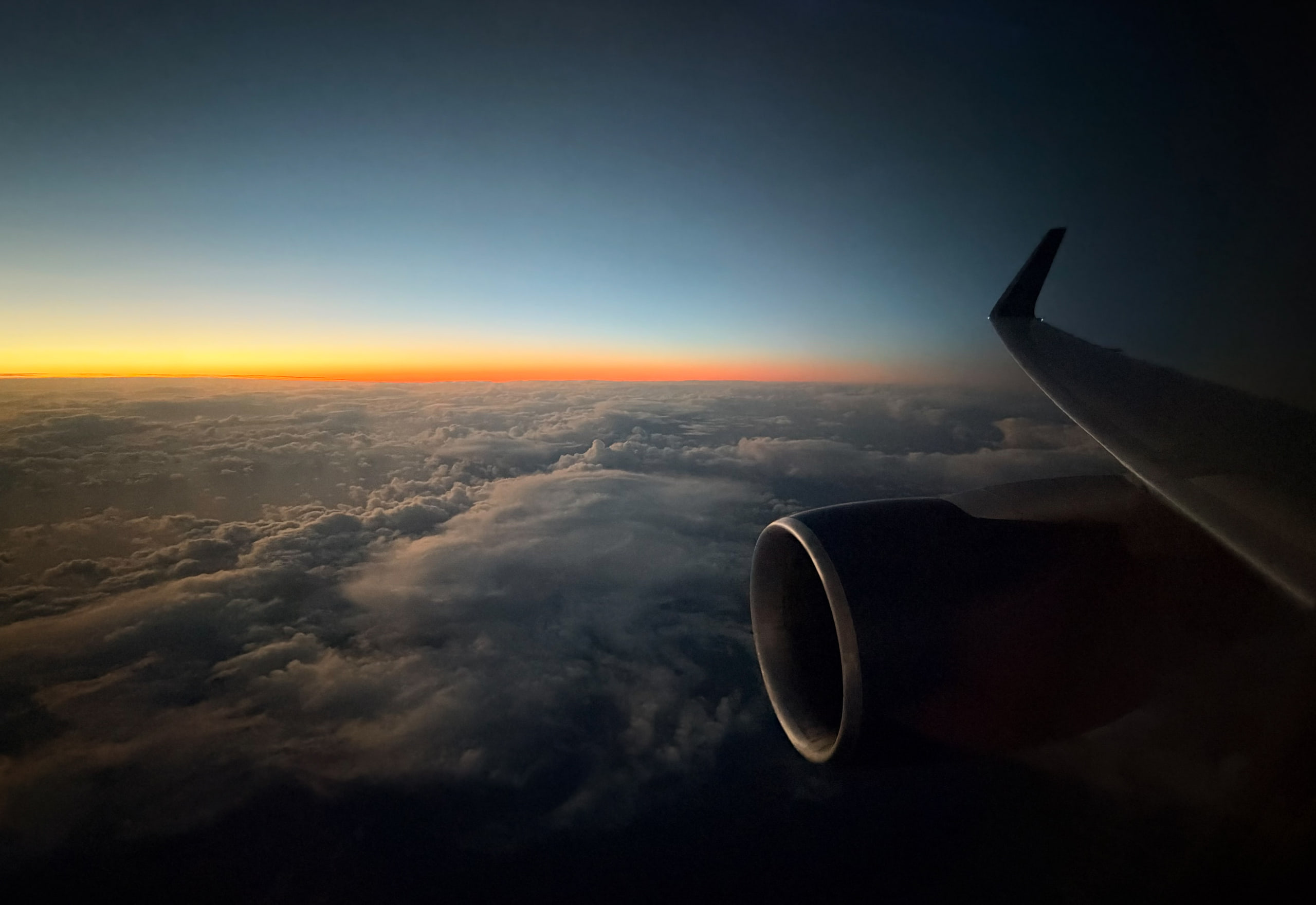
Descending on the approach to IcelandiPhone Duo52mm2xƒ/1.61/60ISO 100
My favorite travel app Flighty has been updated for Duo and looks beautiful on the big display.
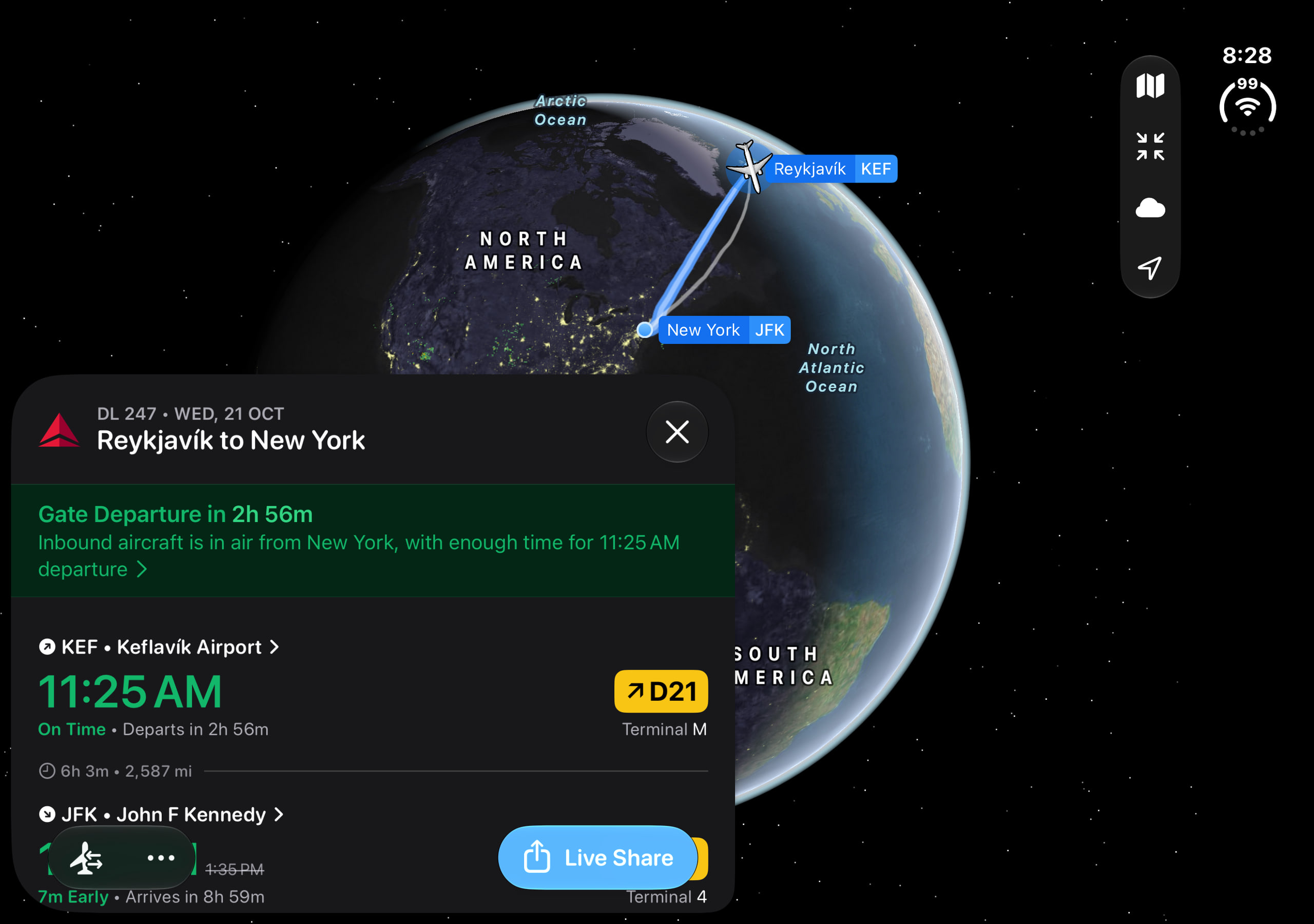
Flighty on the Duo’s inner displayiPhone Duo
The seated configuration is super handy for watching movies in transit. Icelandair has always screened The Secret Life of Walter Mitty on their flights, but since I flew Delta this time, I watched on my iPhone Duo to continue the tradition.
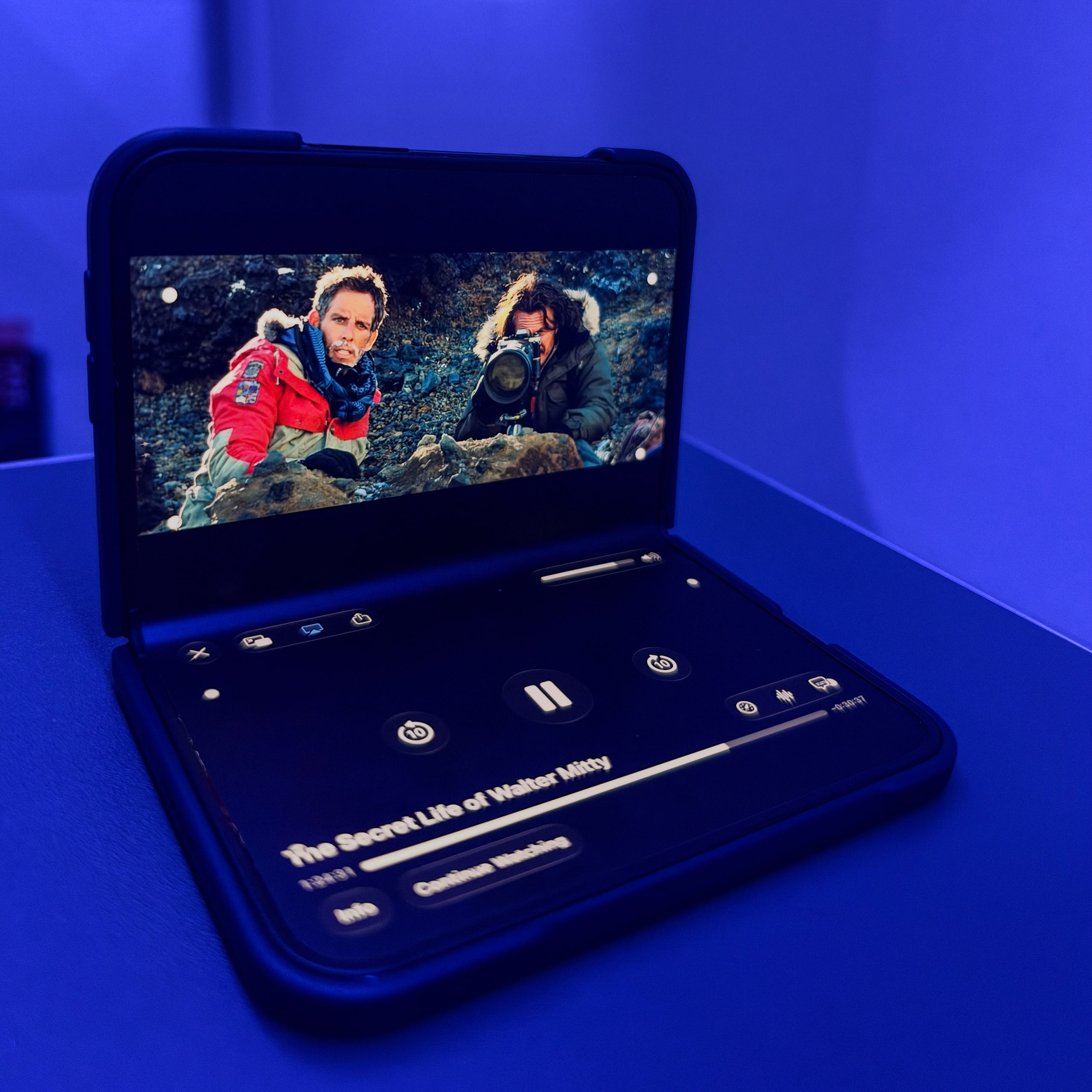
The Secret Life of Walter Mitty on the Duo, somewhere over the Atlantic. Photo of the Duo made with iPhone 18 ProiPhone 18 Pro24mm1x18MPƒ/1.51/45ISO 500
The nano-texture display
As you may know, I've always been a fan of matte, nano-texture displays… even at the cost of a little vibrance, I prefer no reflections.
The inner display on the Duo looks lovely and feels great to the touch. It works well in bright sun, and I imagine it will feel paper-like with Apple Pencil.
The crease is visible from an angle if you look for it, but I didn’t notice it in daily use.
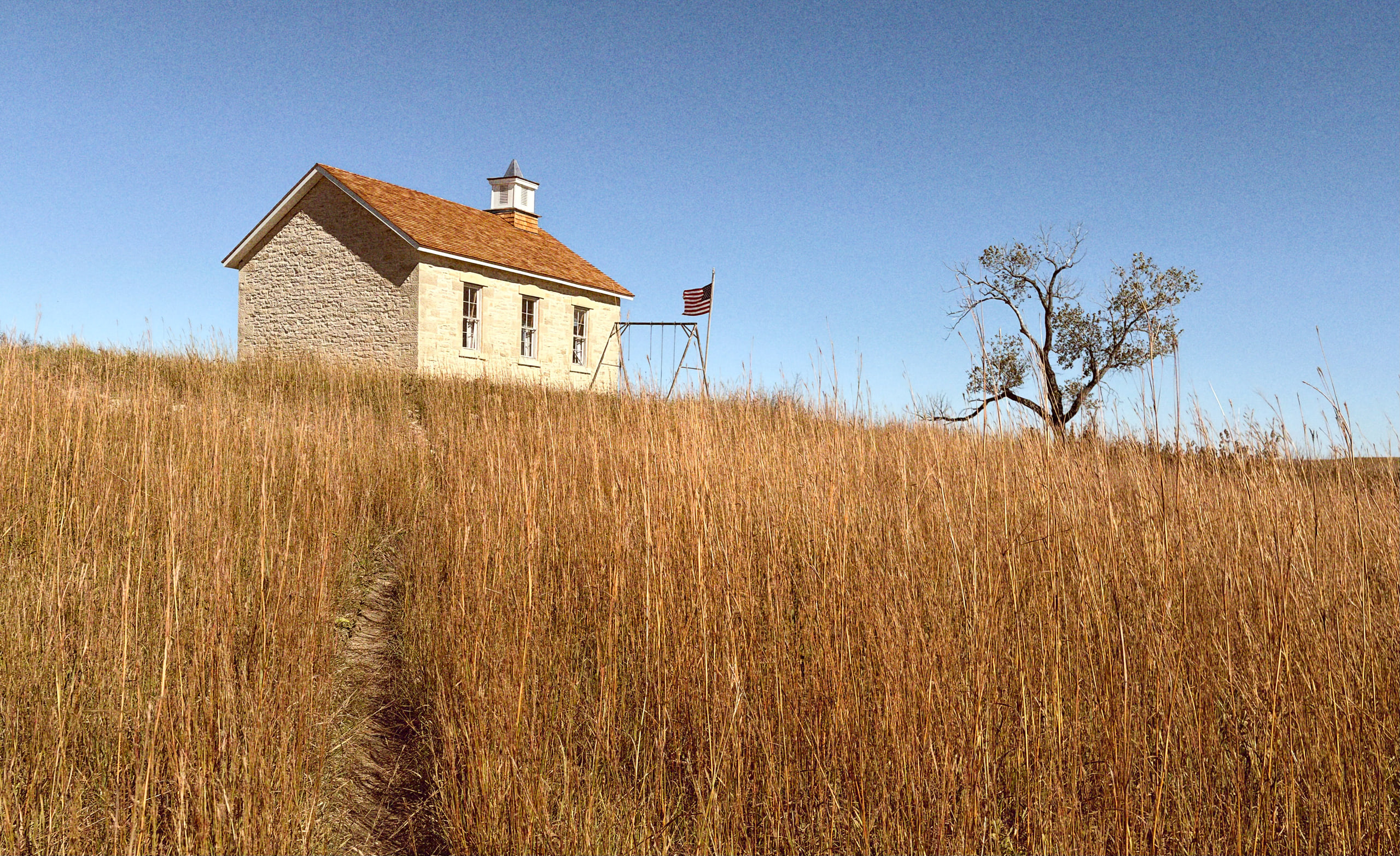
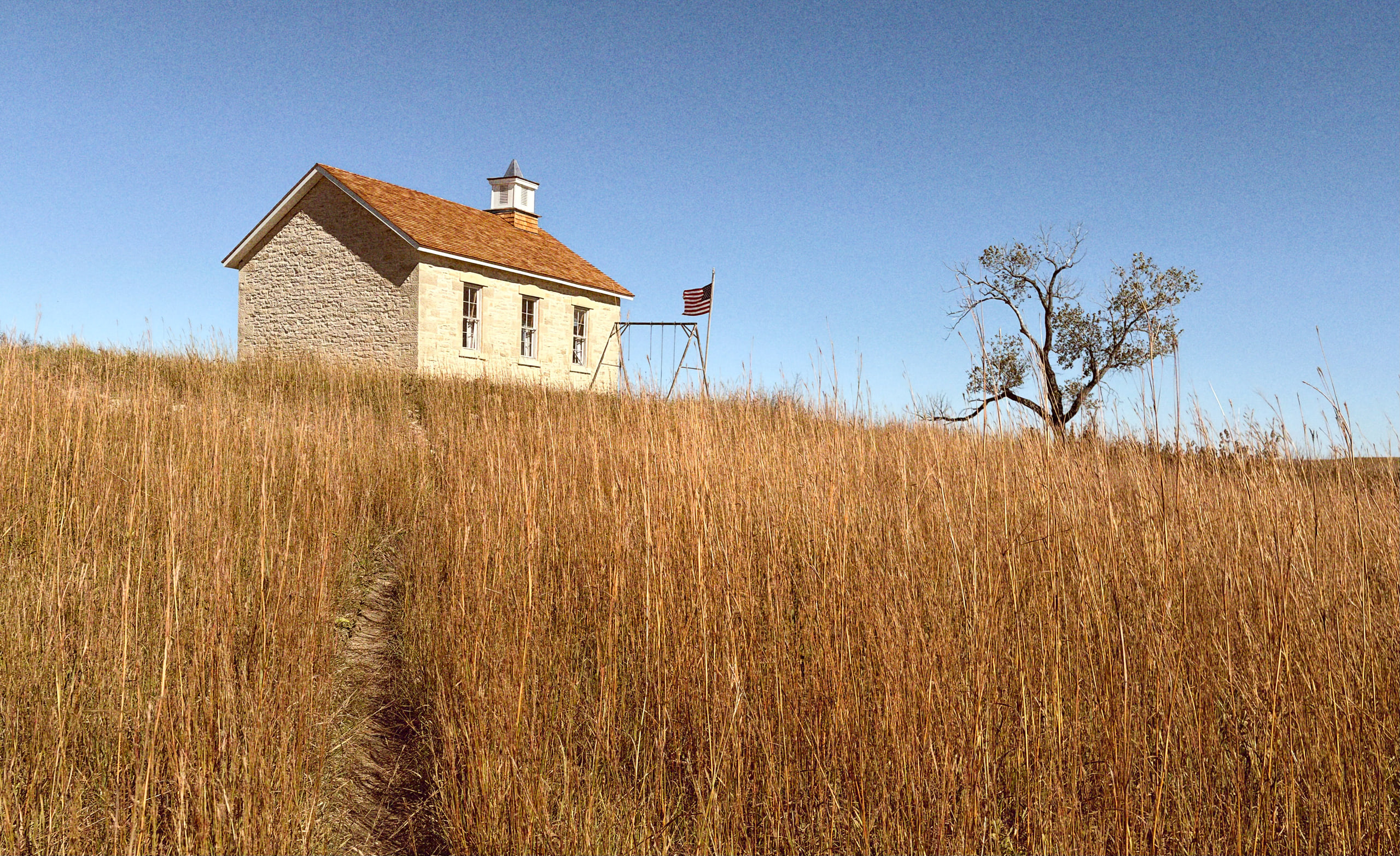
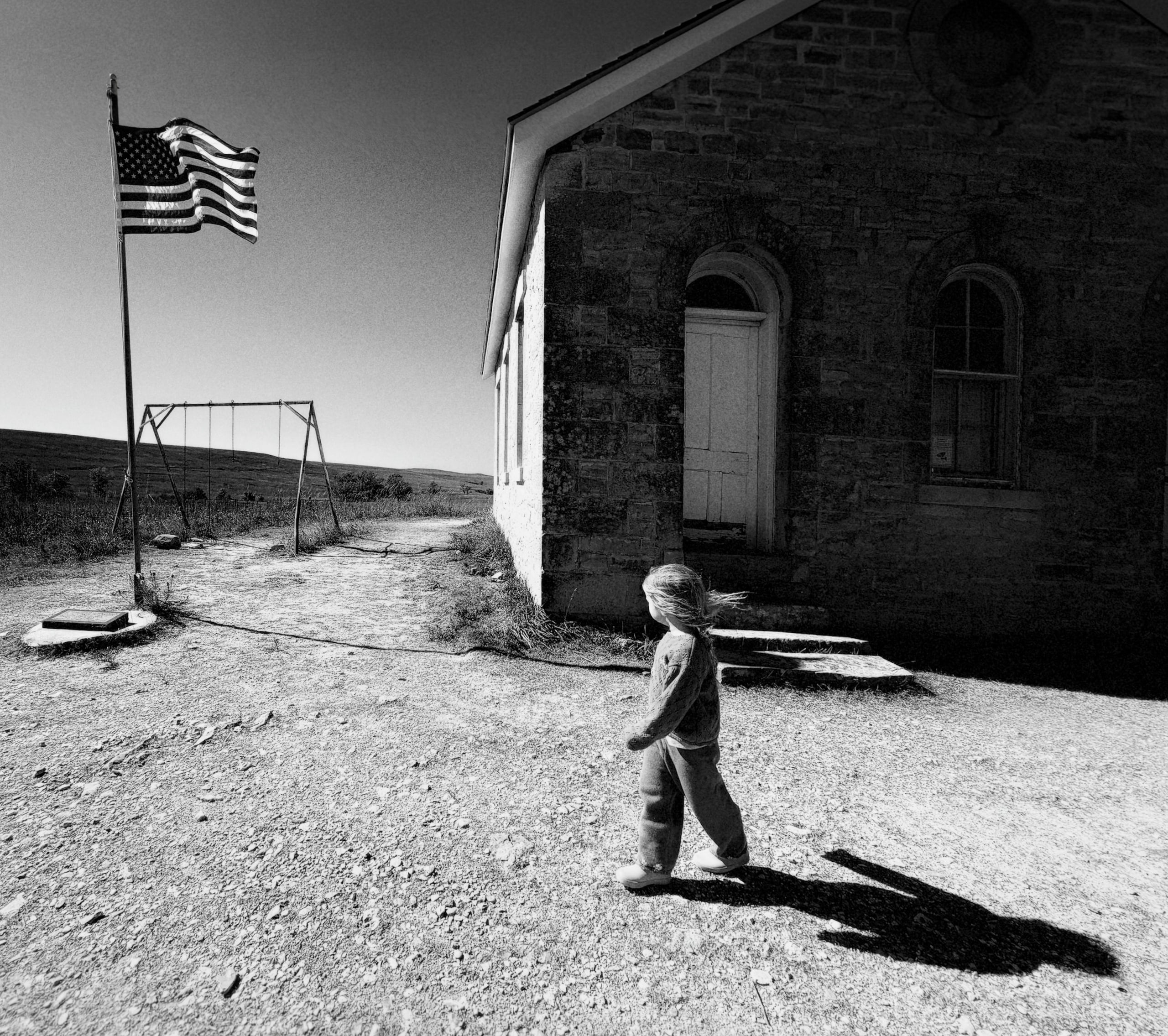
Schoolhouse on the Kansas prairieiPhone Duo26mm1xƒ/1.61/3200ISO 32
Same IP68 water resistance as 18 Pro
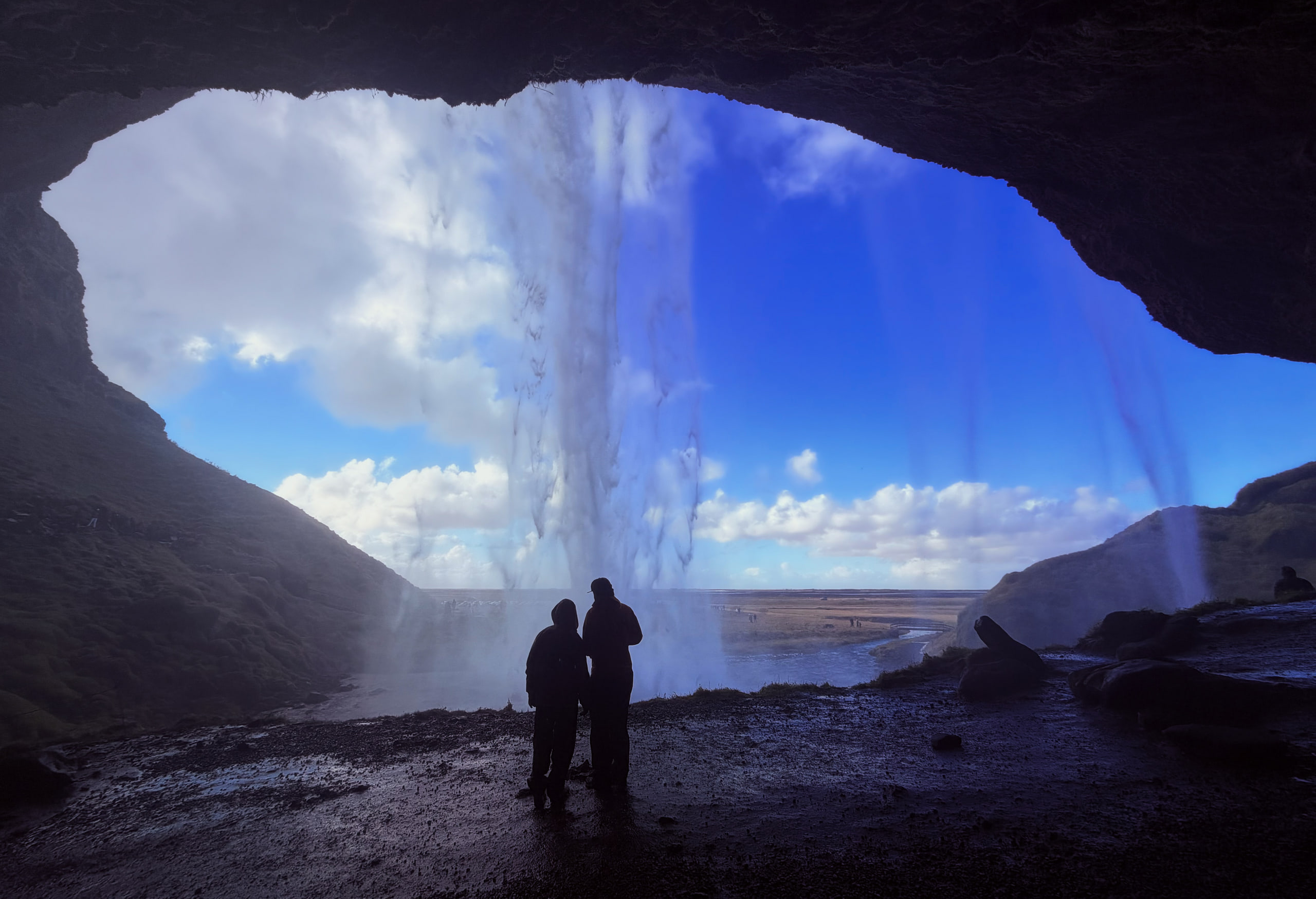
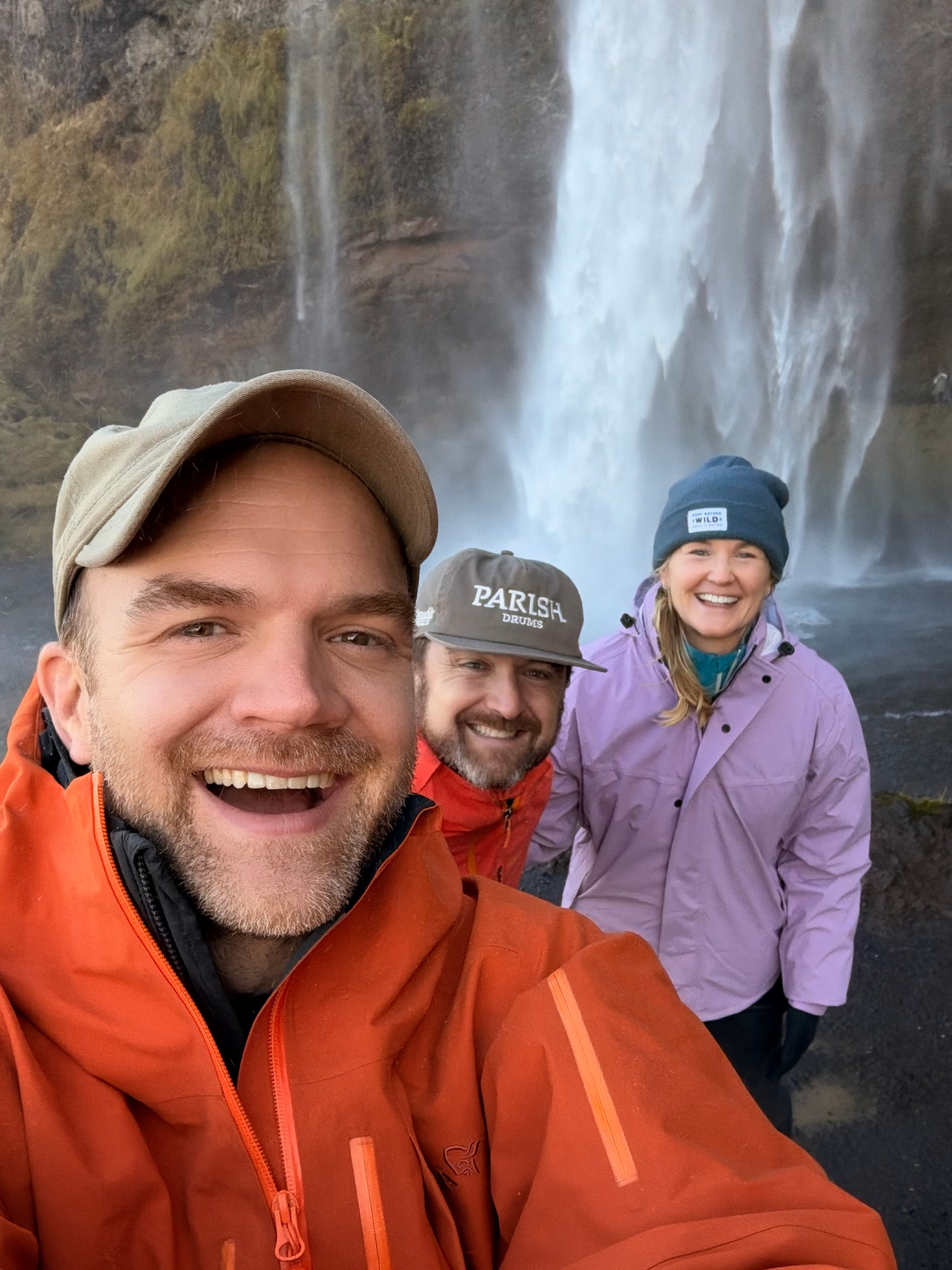
I was surprised to learn that the iPhone Duo has the same IP68 water resistance rating as the iPhone 18 Pro. The hinge is impressive enough, but keeping it water resistant seems like an incredible feat of engineering. I took the Duo into the drenched canyon at Gljúfrabúi and made this photo of Nathan and Paige with the Duo soaked in mist.
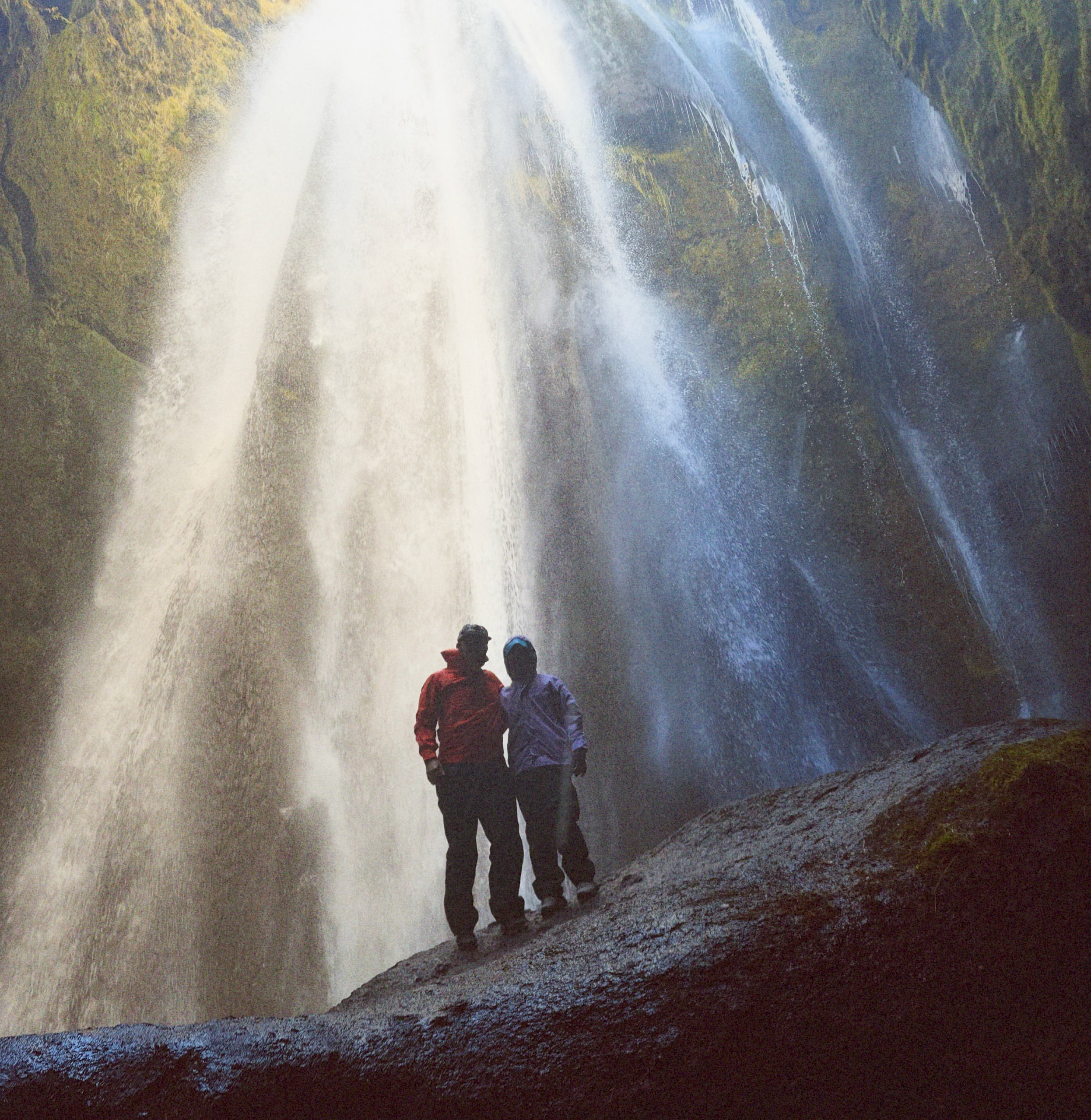
Gljúfrabúi, with the Duo absolutely drenched in mistiPhone Duo26mm1x18MPƒ/1.61/121ISO 80
Shooting with Duo
The Duo’s hardware opens up a handful of new shooting positions.
I’ve found folded to be best: one hand, discreet, fastest from pocket to shot. You can also shoot unfolded, which looks gorgeous on the big display, but I find the camera harder to operate that way and it really draws attention to you.
The all-new trick is partially folded, which feels a bit like shooting top down with an old Rolleiflex. You can shoot outward while looking down or up at the device, which is great for staying discreet and for really low and high angles like the image below. I found myself drawn to this shooting style as it feels really different than most iPhone photography.
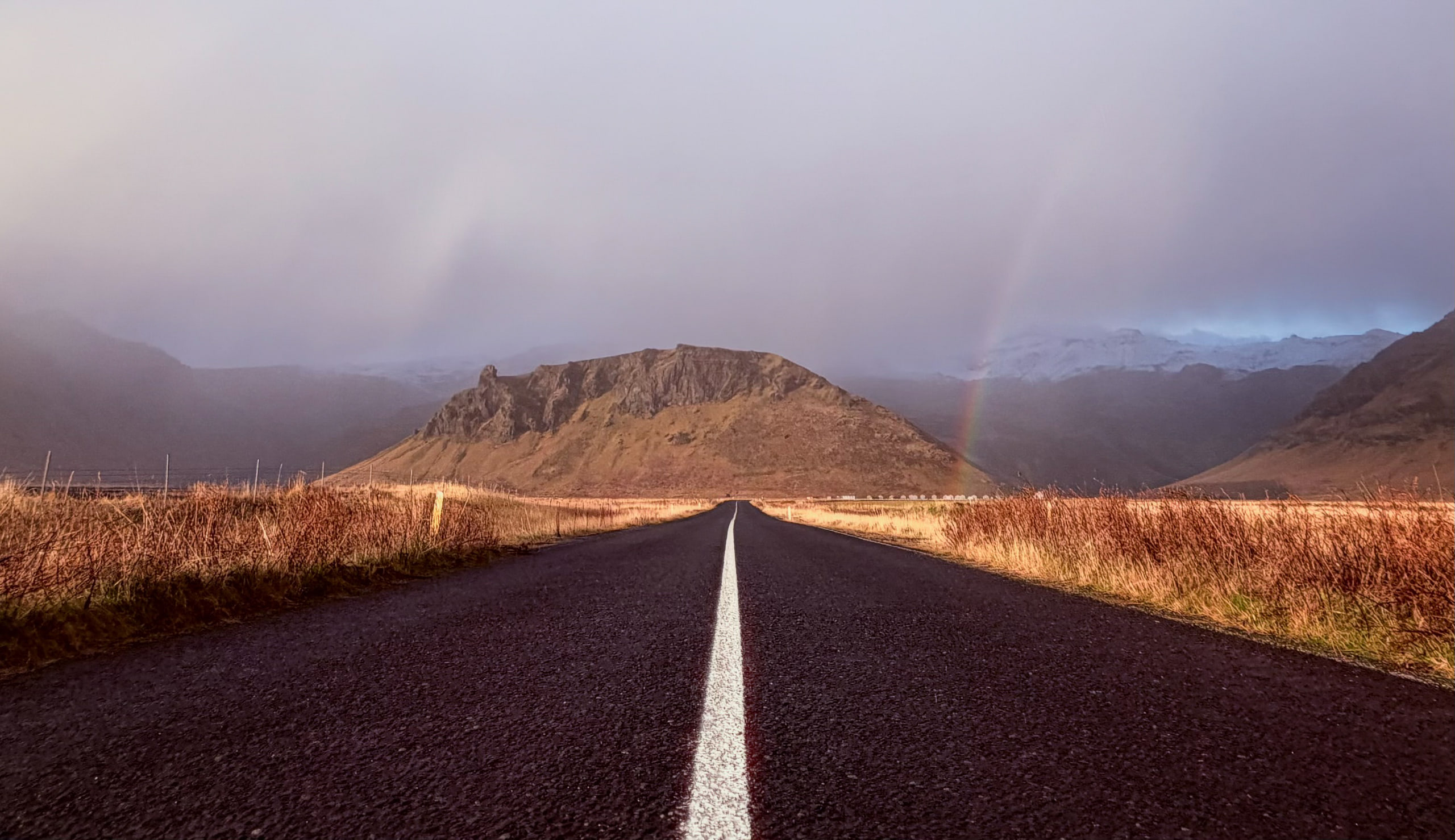
Shot low to the road from partially-folded mode, southern IcelandiPhone Duo14mm0.5xƒ/2.21/500ISO 50
Sharing with Duo
One of the things I love about iPad is how it thrives at sharing photos, and the Duo has the same quality. It’s easy to pass to a friend, images look stunning on the display, and the platform just naturally lends itself to sharing.
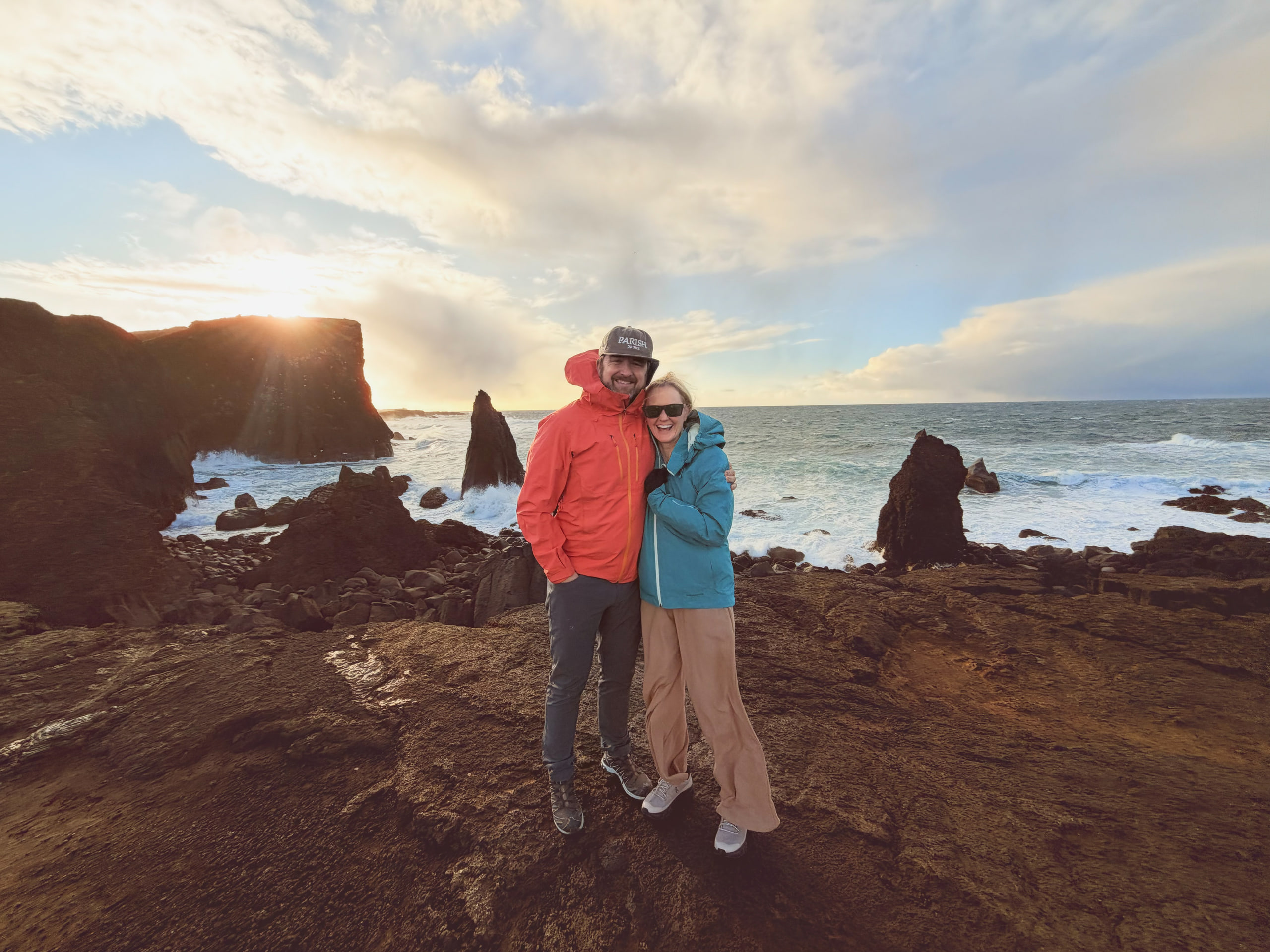
Nathan and Paige on the coast, IcelandiPhone Duo14mm0.5x24MPƒ/2.21/750ISO 32
Kid Cue and Duo Preview
The native Camera app has two new features that use the outer display while shooting. Open the Duo, open the Camera app on the inner display and tap the new icon in the top right. Kid Cue plays Snoopy to pull a kid’s attention to the camera. Duo Preview shows a live preview on the outer display to whoever is in front of your camera.
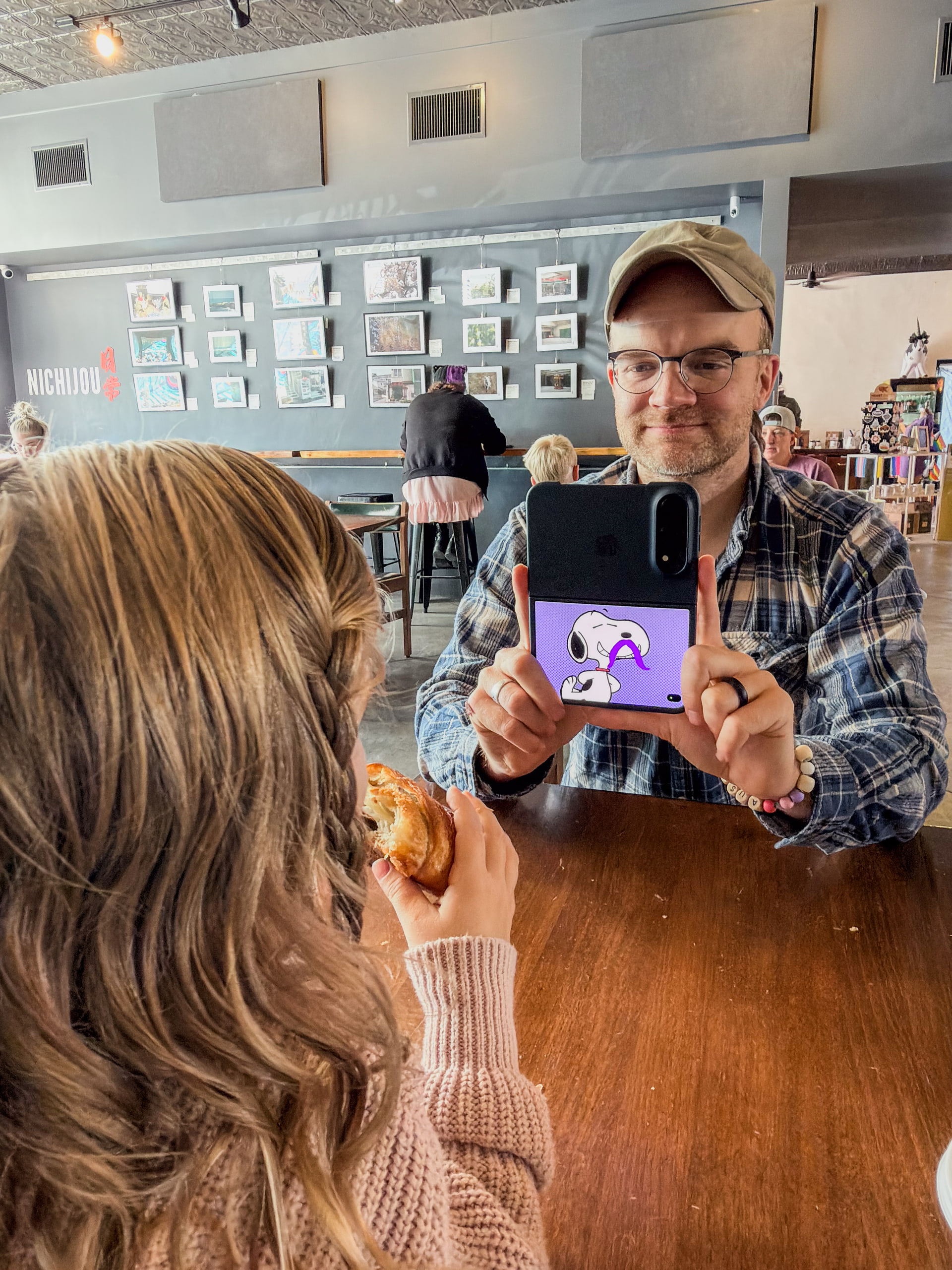
Kid Cue playing Snoopy on the outer display. Photo of the Duo made with iPhone 17 Pro MaxiPhone 17 Pro Max24mm1xƒ/2.21/30ISO 125
Duo Preview means you can now shoot selfies with the 48MP camera and a live preview, something no other iPhone can do.
A few thoughts for serious creative pros
-
Pro retouchers will love using Apple Pencil on the Duo for masking and selections, especially on the paper-like nano-texture screen.
-
Both displays use the new Color Matching Function (CMF) technology released with 18 Pro, which means better color accuracy and consistency for anyone using multiple devices in their creative workflow.
-
ProRAW is not supported in the native Camera app on iPhone Duo, and it’s unclear to me why. I rarely use ProRAW because I prefer the power and speed of Photographic Styles, but I do use it in low light to control noise reduction. To shoot aurora like the image above, I’d normally be in ProRAW.
-
For now you need a third-party app to shoot RAW on the Duo. Apple recommends Afterlight, Moment Pro Camera II, Halide Pro Camera III and Not Boring Camera, which all support it.
-
I migrated all my settings and apps from my 18 Pro and every camera setting came over except one: Preserve Settings > Resolution. I set the Duo to 48MP and it kept switching back to 24MP until I revisited Settings > Preserve Settings and realized that setting hadn’t transferred from my iPhone 18 Pro because on the Duo it has a slightly different title.
-
The Duo hasn’t been my main daily device, but I’ve pushed it hard shooting and editing photos, planning my trip, outlining ideas and watching movies, and the battery has been consistently better than I expected.
-
I haven’t been able to test this yet but I’m looking forward to having the Duo in my pocket to use it as a tether monitor connected to my Hasselblad/Sony etc.
Creative apps on iPhone Duo
Esther has played piano her whole life and we’ve been wanting to get Olivia started… that serendipitously happened on a Saturday morning when I downloaded the new PianoFold app for iPhone Duo and set it in front of Olivia, who is almost 4.
She picked it up immediately and I eventually had to take it away, she was having so much fun.
Not Boring Camera emulates an analog camera and offers a bunch of filmic looks.
Procreate Pocket is fully optimized for iPhone Duo and, with Apple Pencil support, will be a popular on-the-go sketchbook for hand-drawn artists.
Tide Guide is a beautiful, simple app for planning around the tide.
These are just a few of the earliest apps designed for Duo, but I absolutely can't wait to see the creative ideas developers come up with to really leverage this completely new hardware configuration.
A few wishes
-
I’d like the native Camera app to be able to use the outer display as a flash, the way Photo Booth flashes the whole screen. It could be a big, soft light source, especially nice for portraits.
-
ProRAW in the native Camera app! It’d be super useful for aurora and other RAW use cases.
-
Smart Take across the rest of the iPhone lineup. It’s a compelling feature for capturing the perfect moment and it’d be super popular.
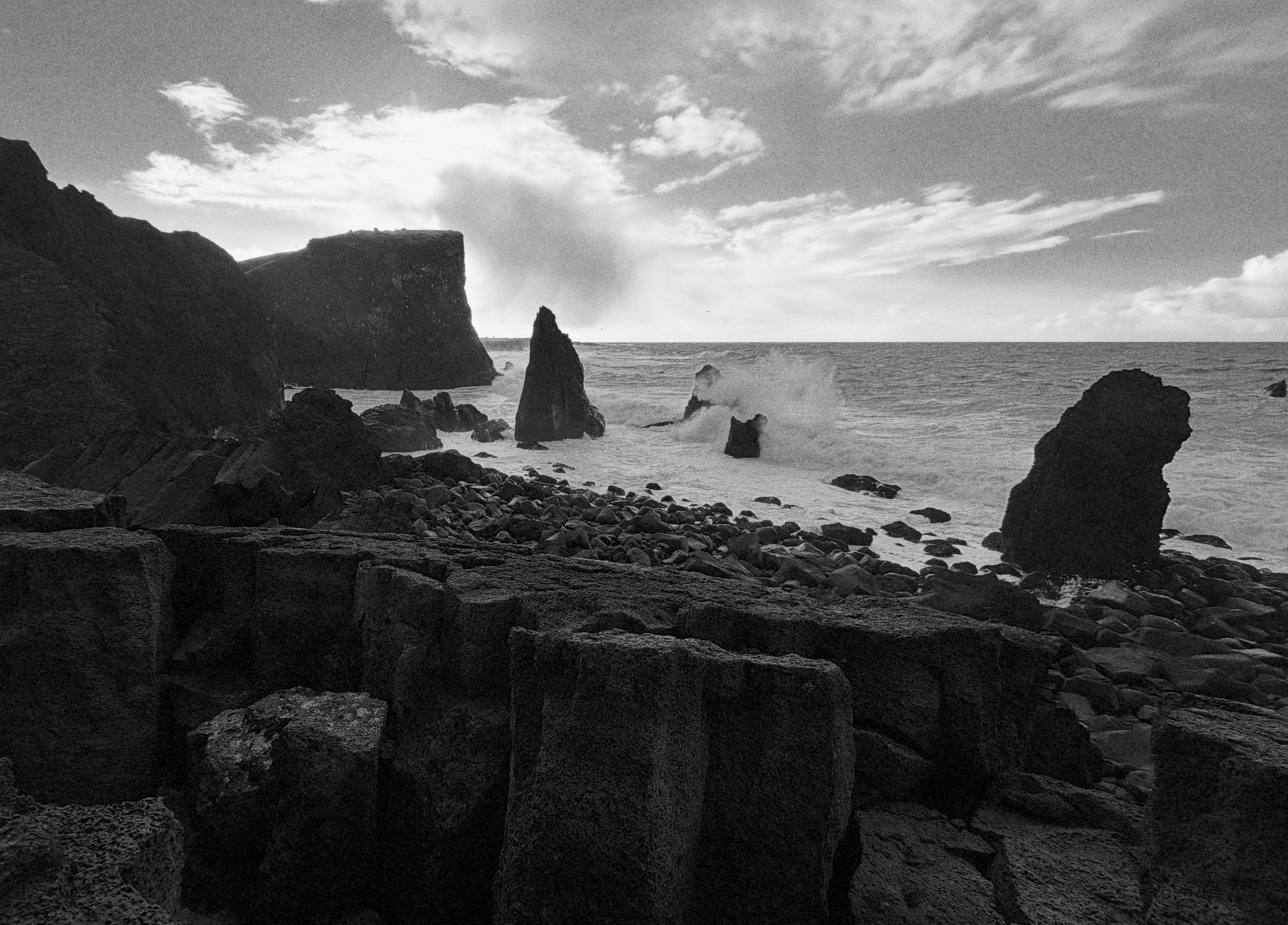
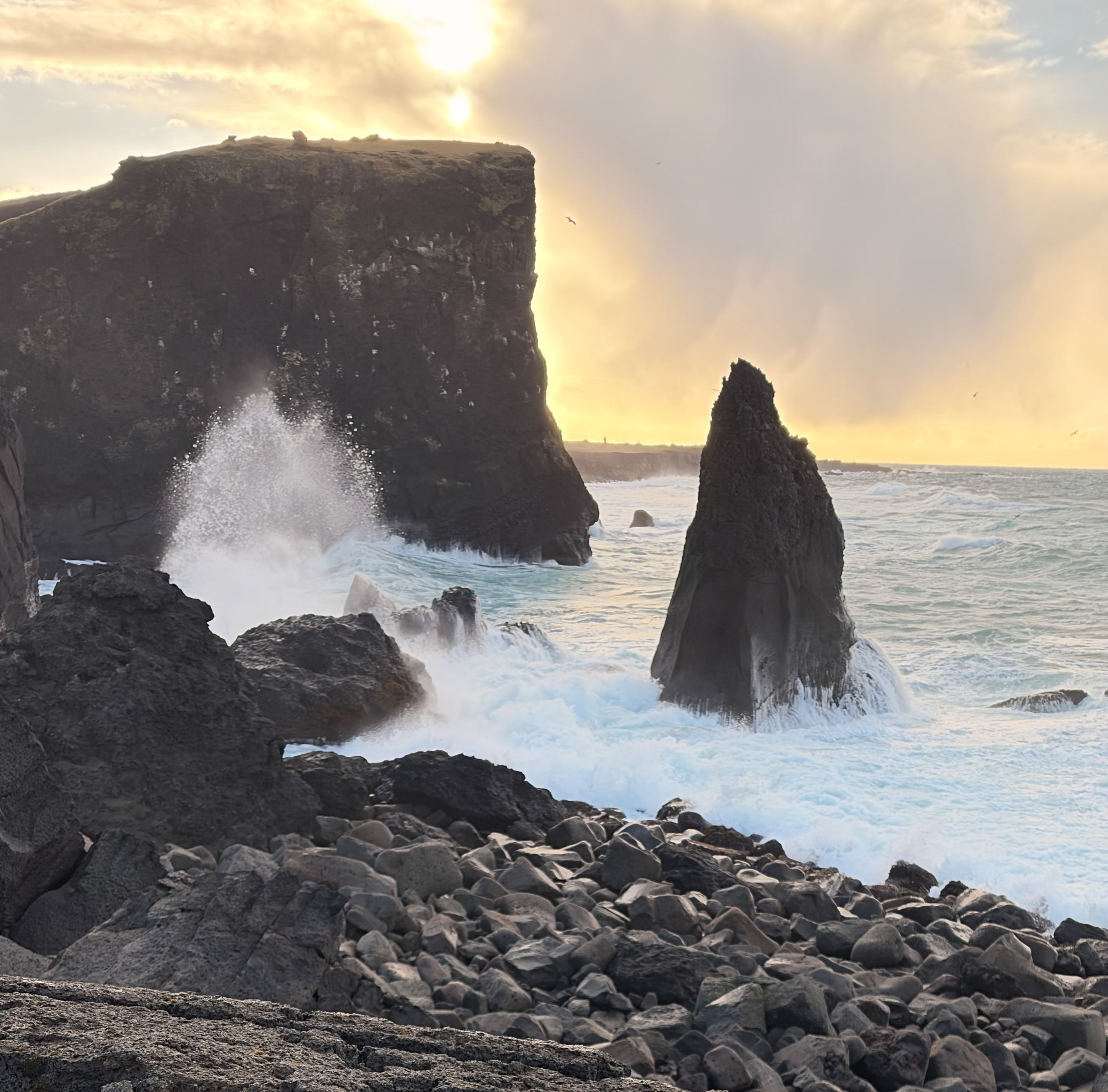
The south coast of IcelandiPhone Duo14mm0.5x18MPƒ/2.21/750ISO 32
The Bottom Line
The iPhone Duo offers a great camera, more than enough for most users and for me in most situations. Creative pros will miss the longer lens, but gain a big, beautiful display, the freedom to shoot without a tripod, and entirely new ways to capture, edit and share images.
The Duo represents perhaps the most exciting innovation in iPhone hardware since, dare I say, the original iPhone. It’s a joy to shoot with and an even more powerful companion throughout my creative workflow, from planning shoots with Sunlitt to editing in Lightroom and outlining in MindNode. It’s earned a place in my core kit, and I’m genuinely excited to see where this new chapter of the iPhone takes us.
ASK ME ANYTHING ON INSTAGRAM STORIES
Have a question/comment?
I'd love to hear your thoughts and I'll be replying to every comment below.
I’ll be answering questions on Instagram Stories — and in the comments below, which stay here rather than disappearing in a day. Join me there.
Questions and corrections welcome below — I read every one.
18 years of iPhone camera reviews
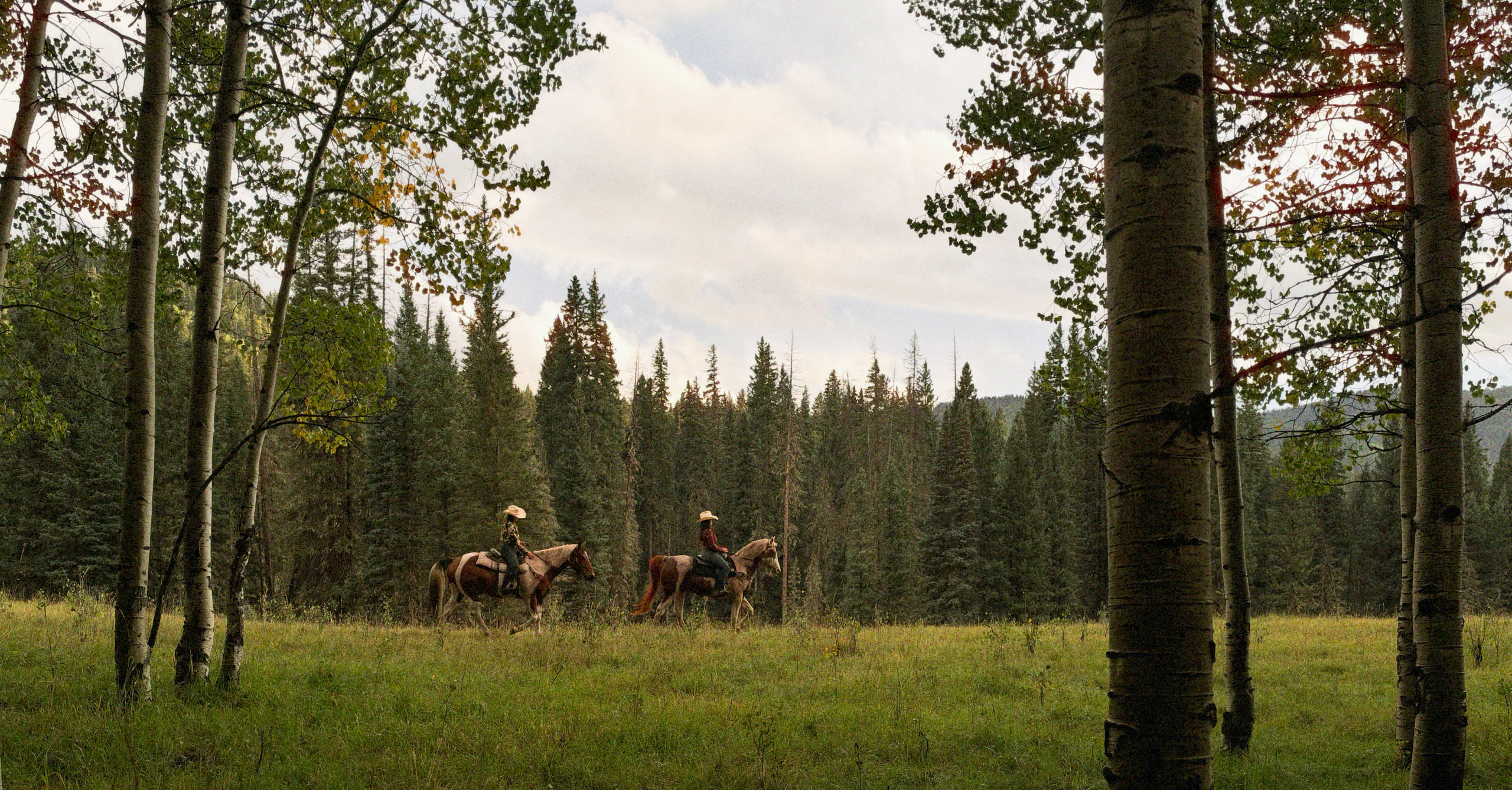 iPhone 18 ProDunton River Camp, Colorado · 2026
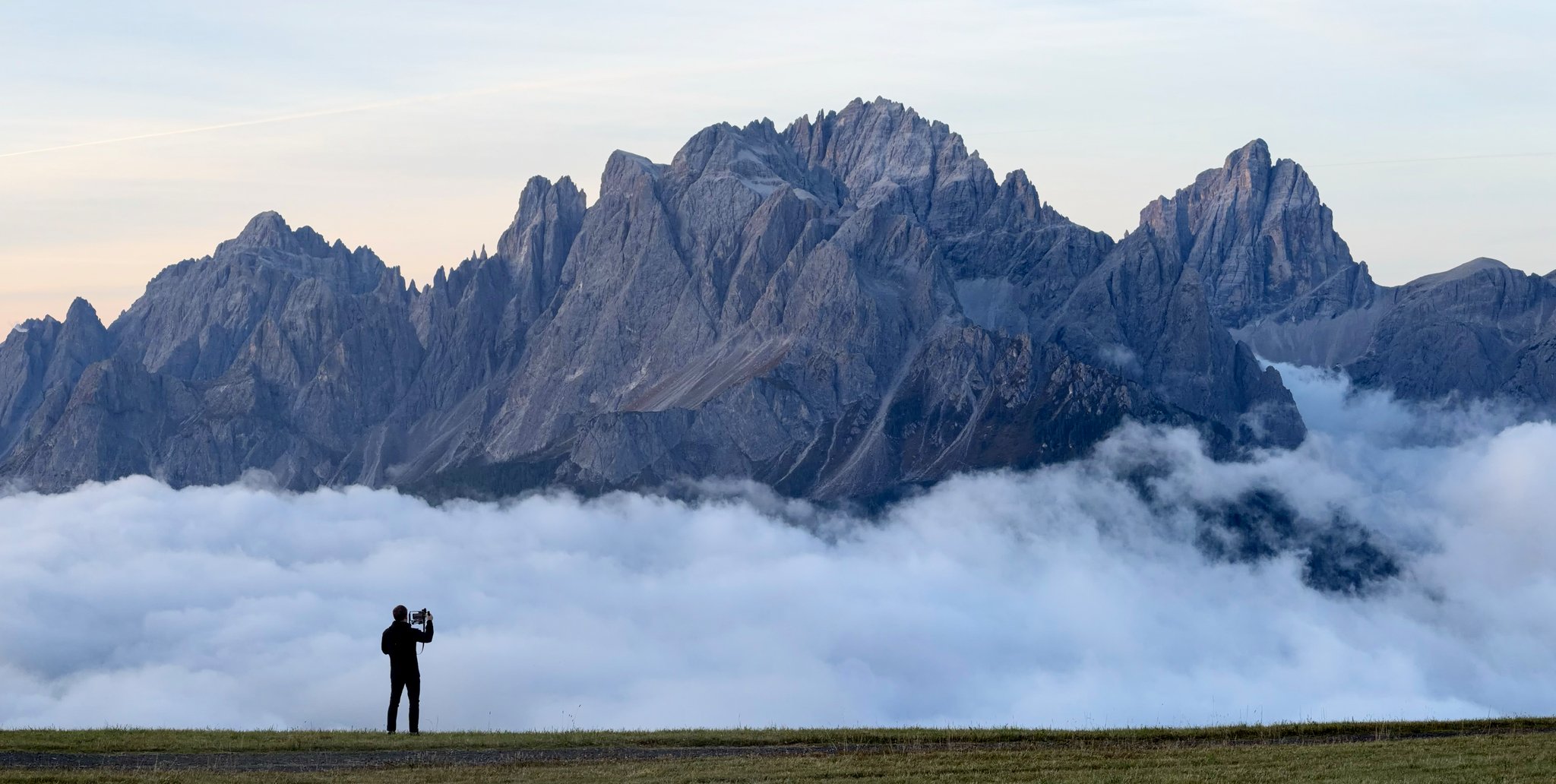 iPhone 17 ProDolomites, Italy · 2025
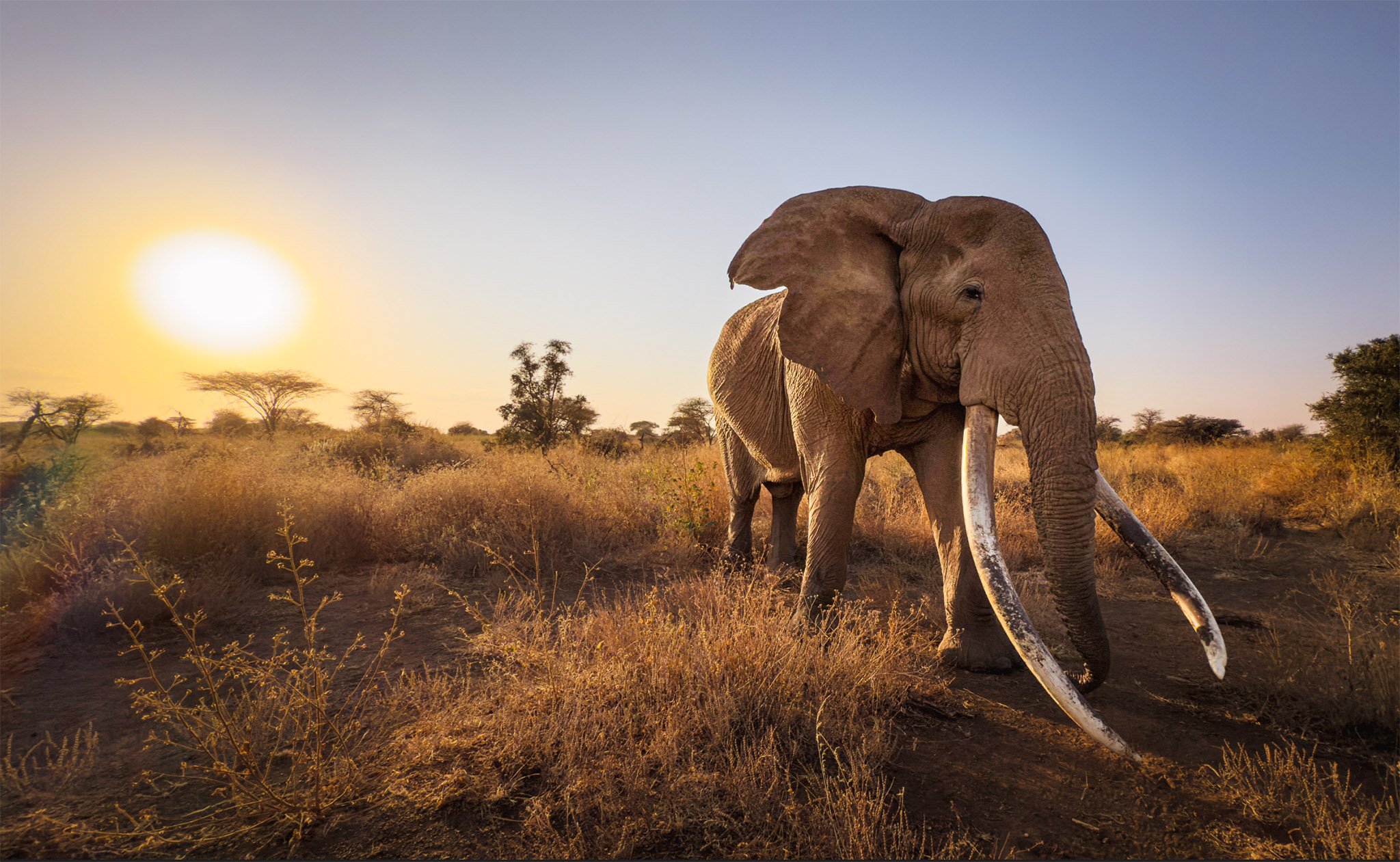 iPhone 16 ProKenya · 2024
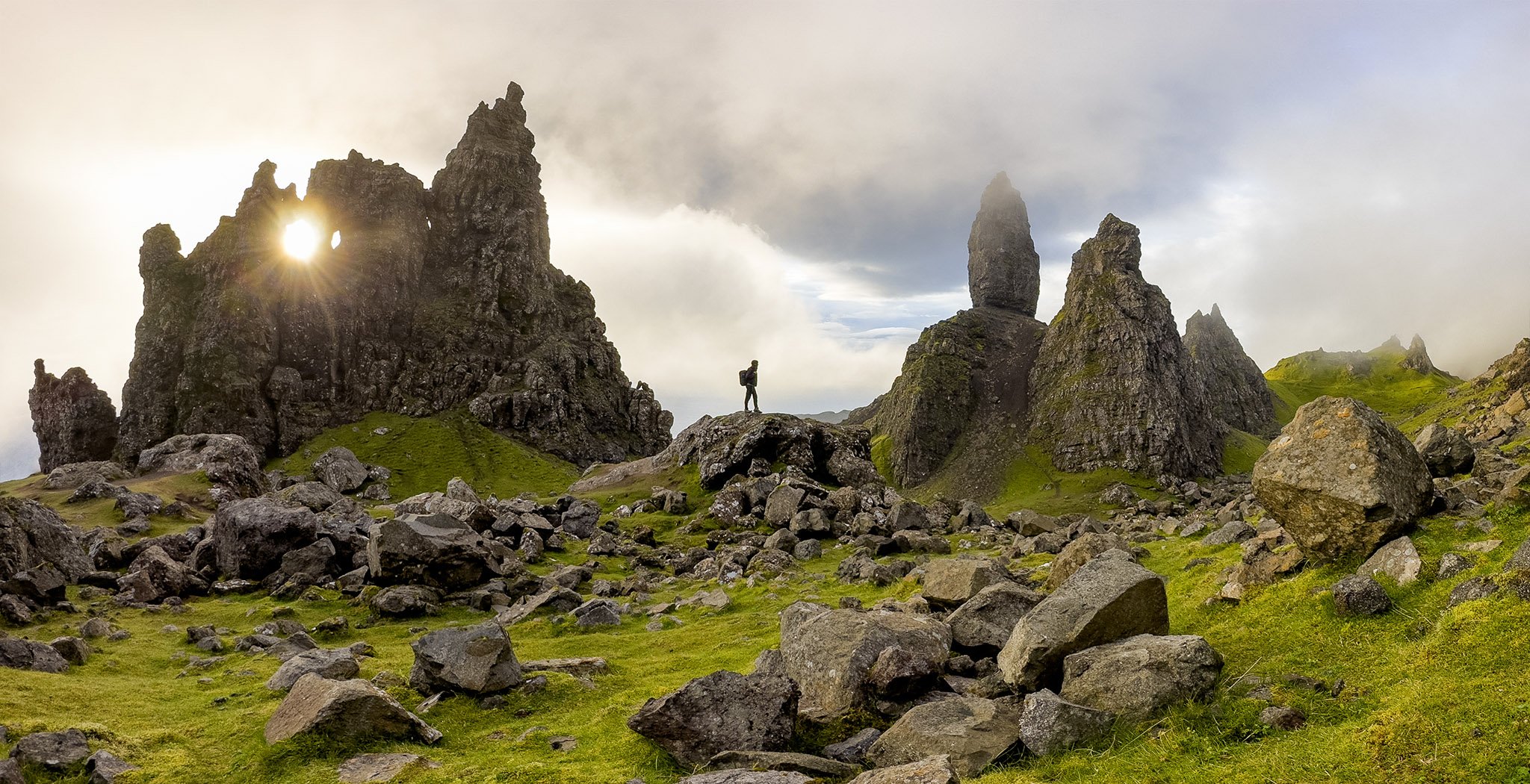 iPhone 14 ProScottish Highlands · 2022
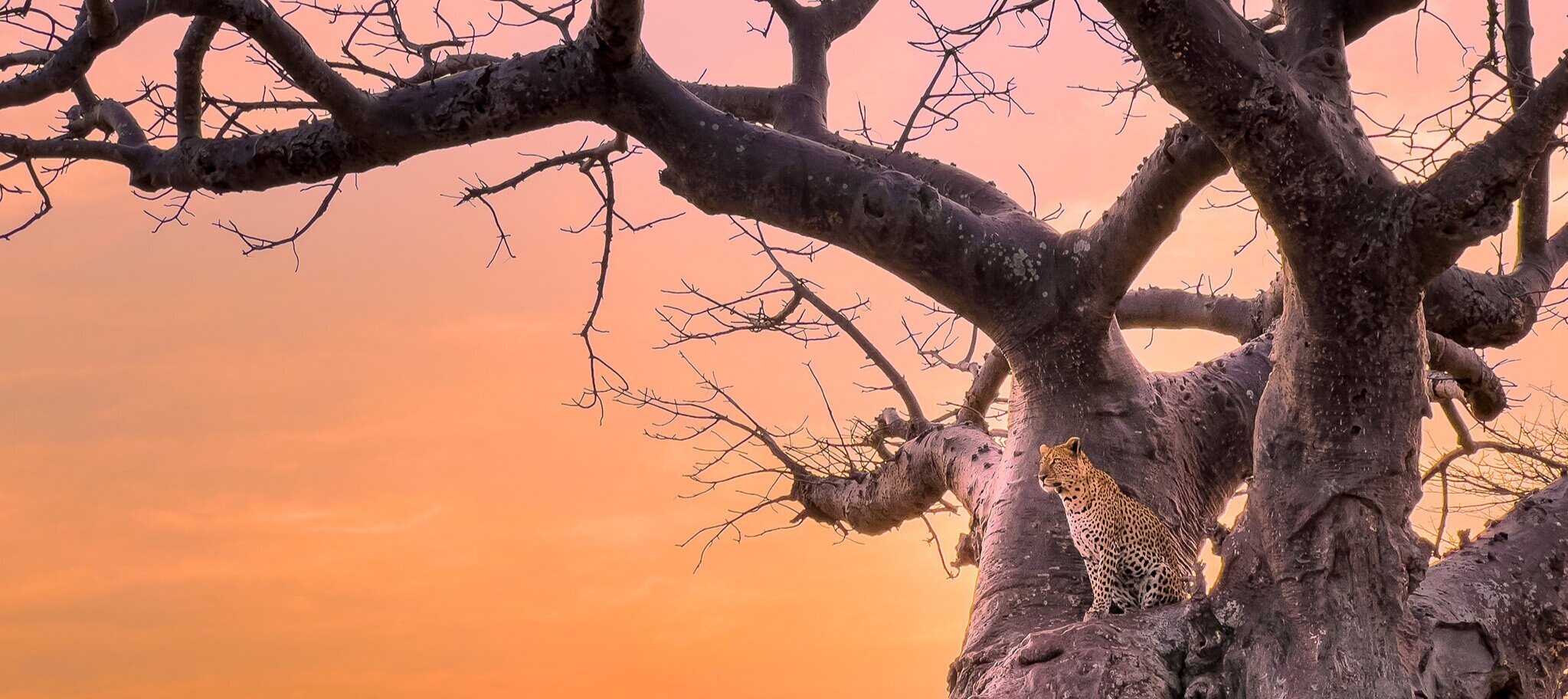 iPhone 13 ProRuaha NP, Tanzania · 2021
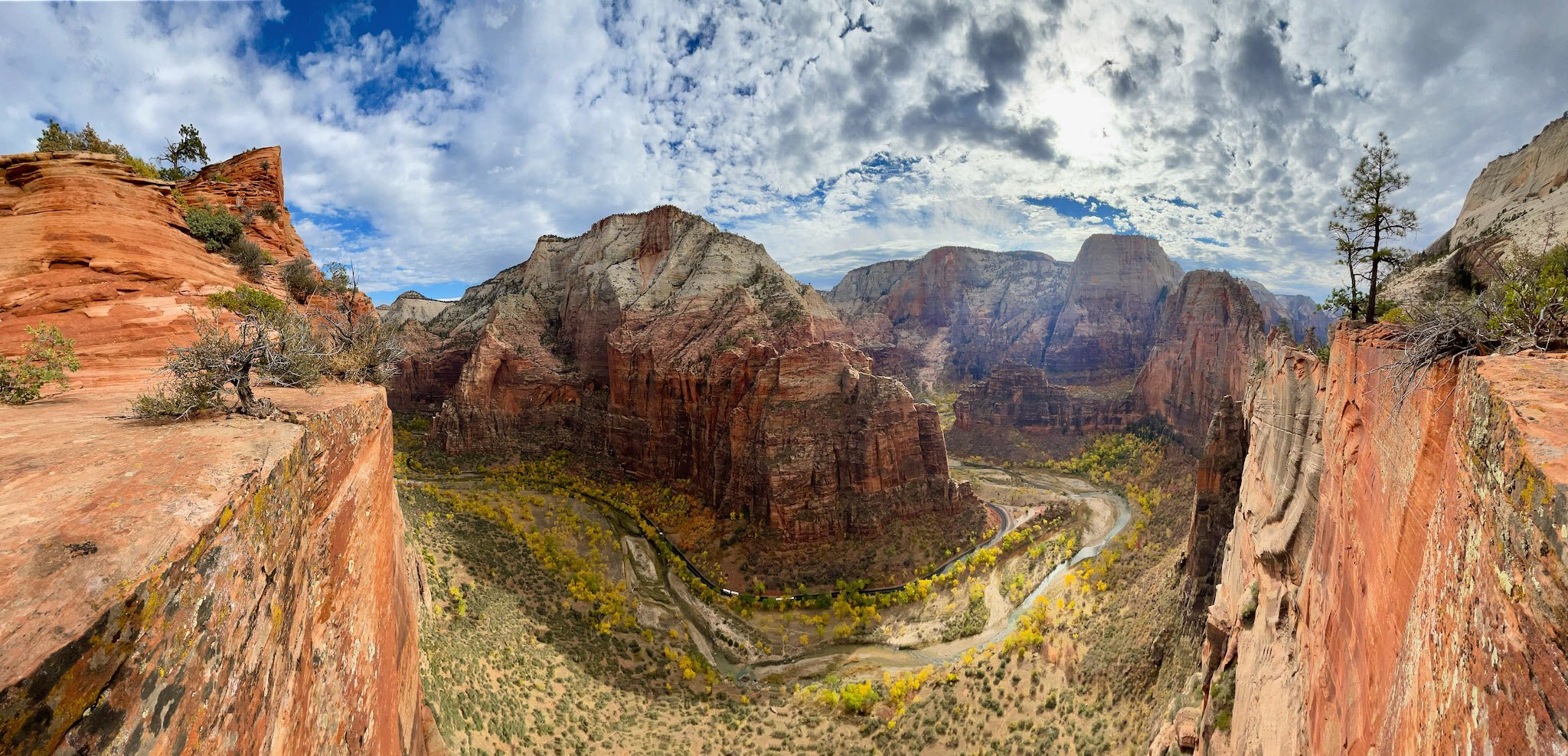 iPhone 12 Pro MaxZion NP, Utah · 2020
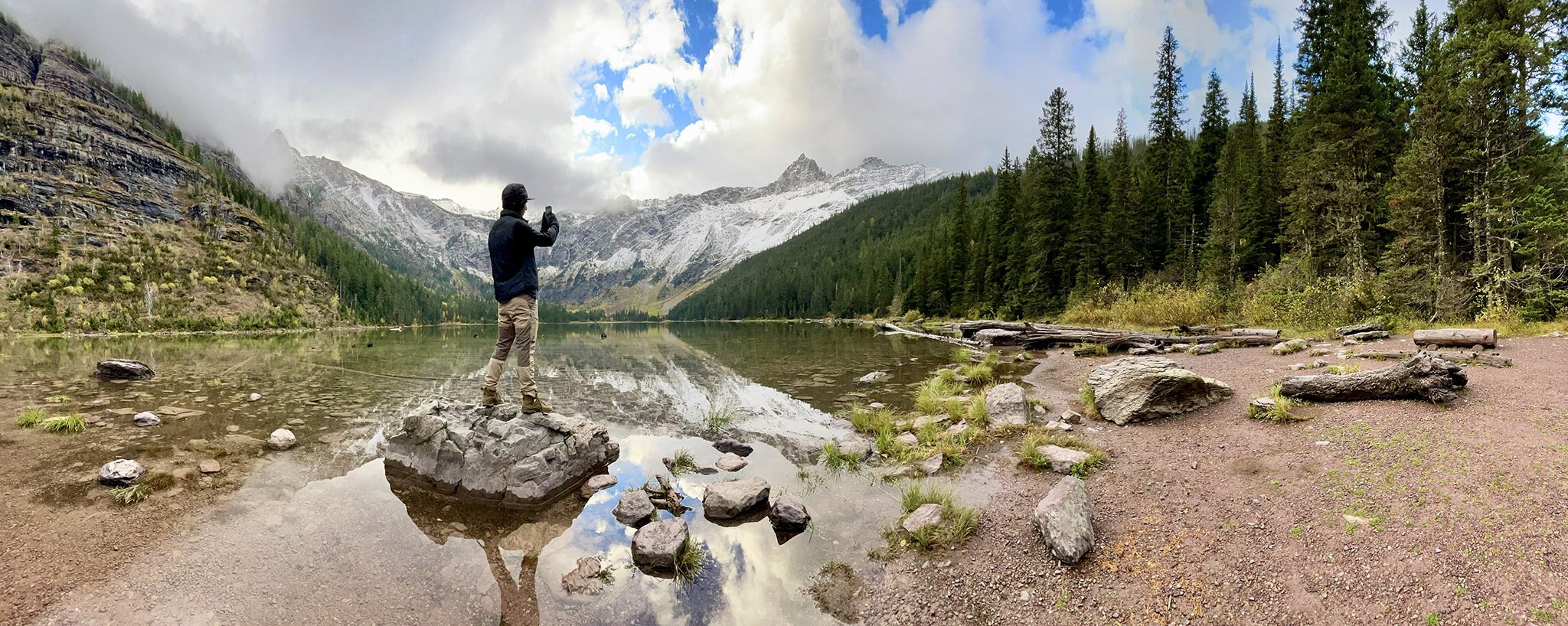 iPhone 12 ProGlacier NP, Montana · 2020
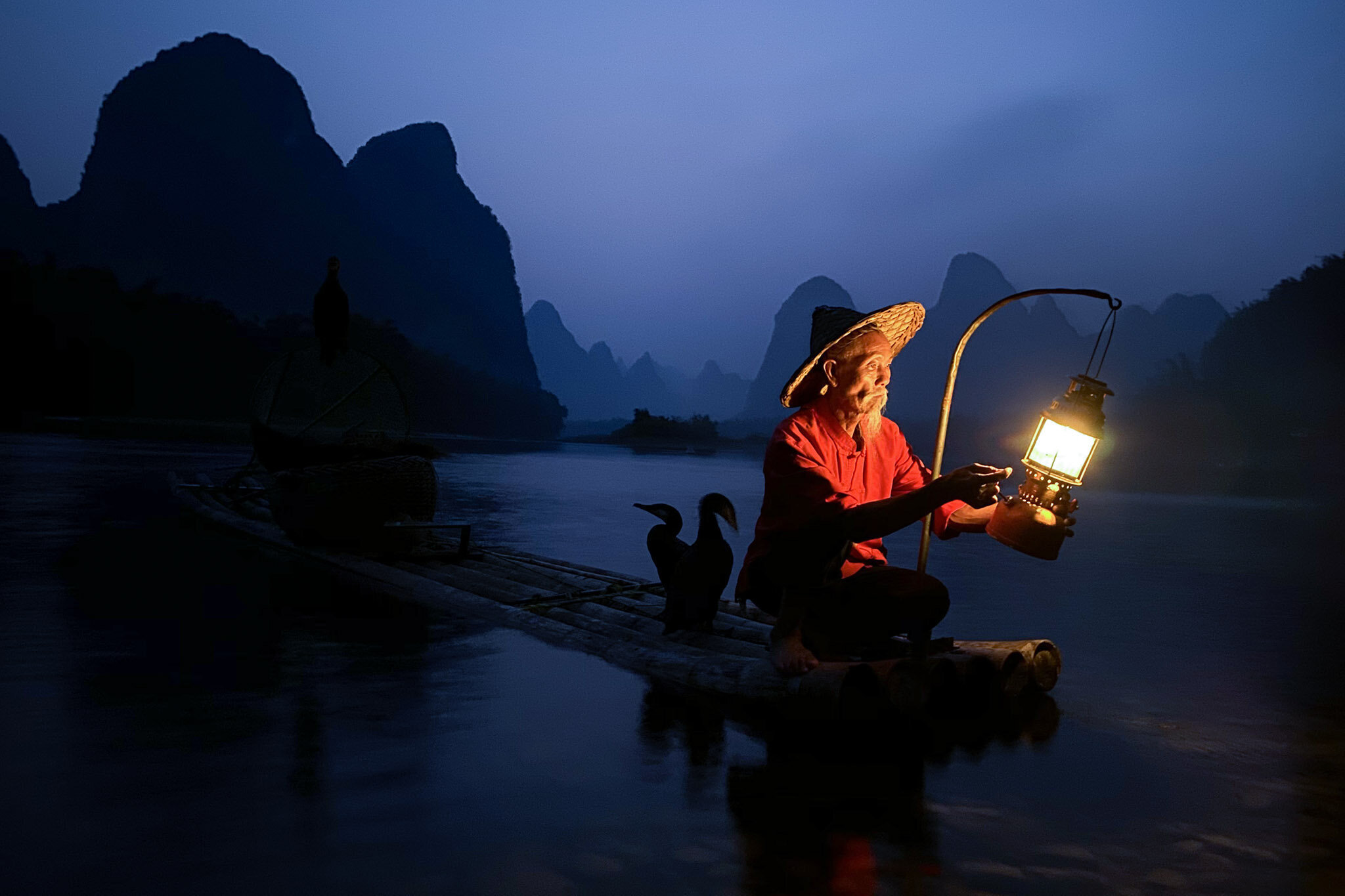 iPhone 11 ProGuilin, China · 2019
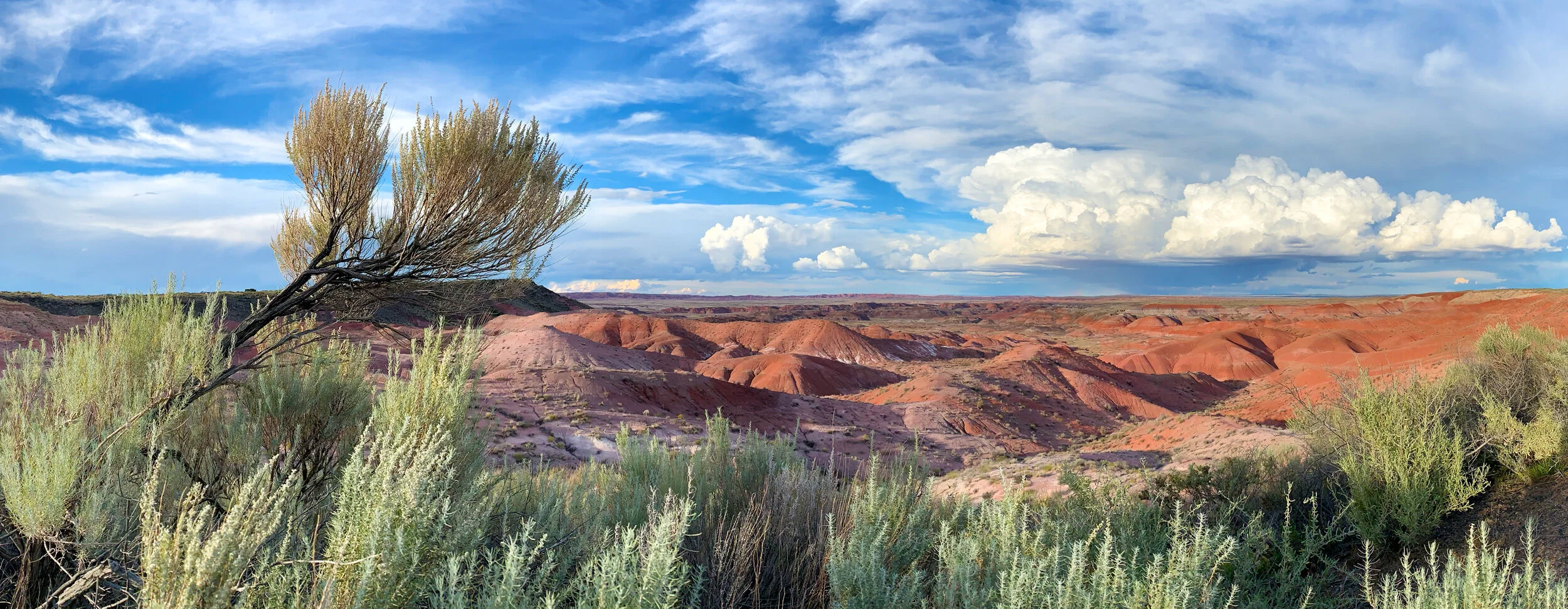 iPhone XRGrand Canyon, Arizona · 2018
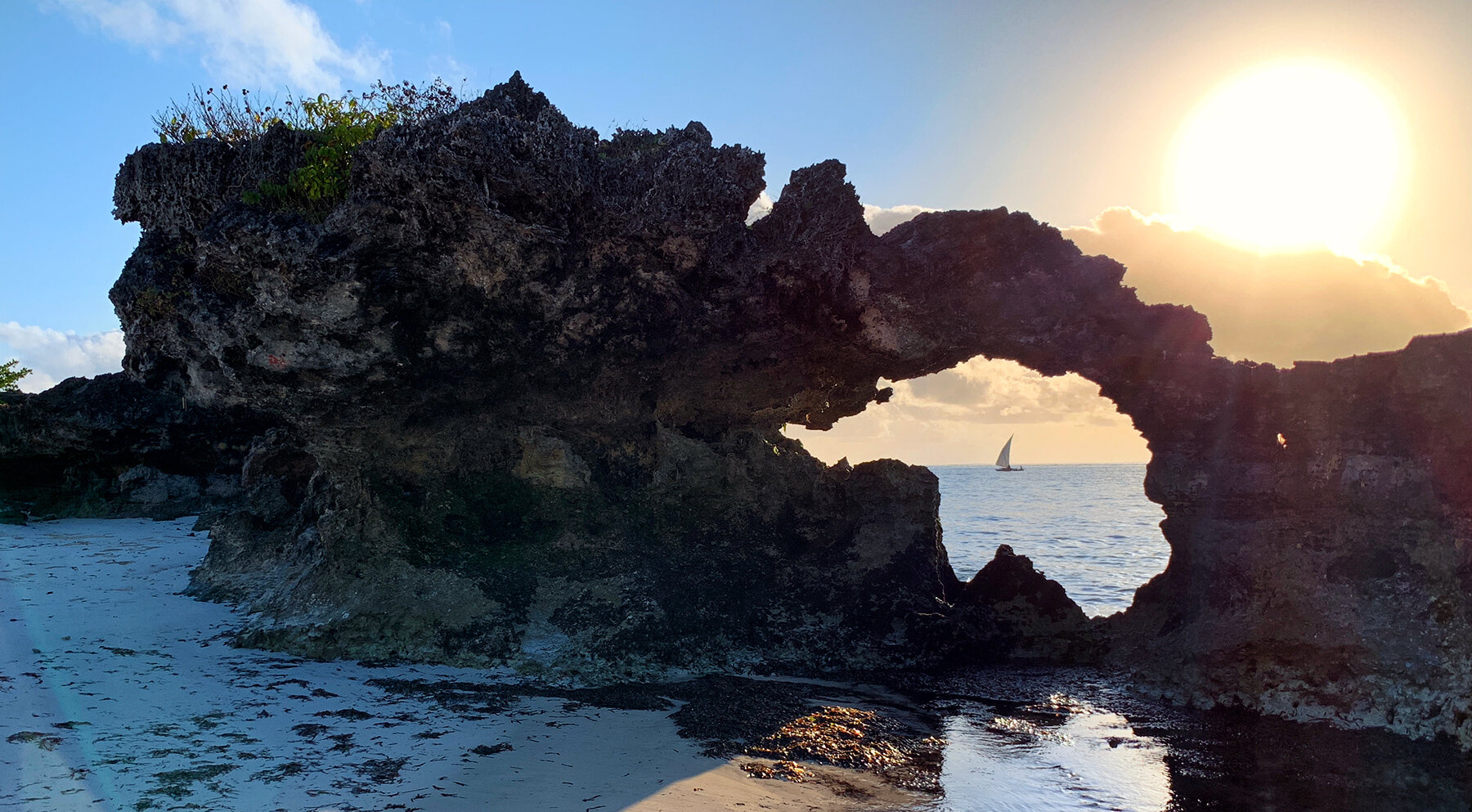 iPhone XSZanzibar, Tanzania · 2018
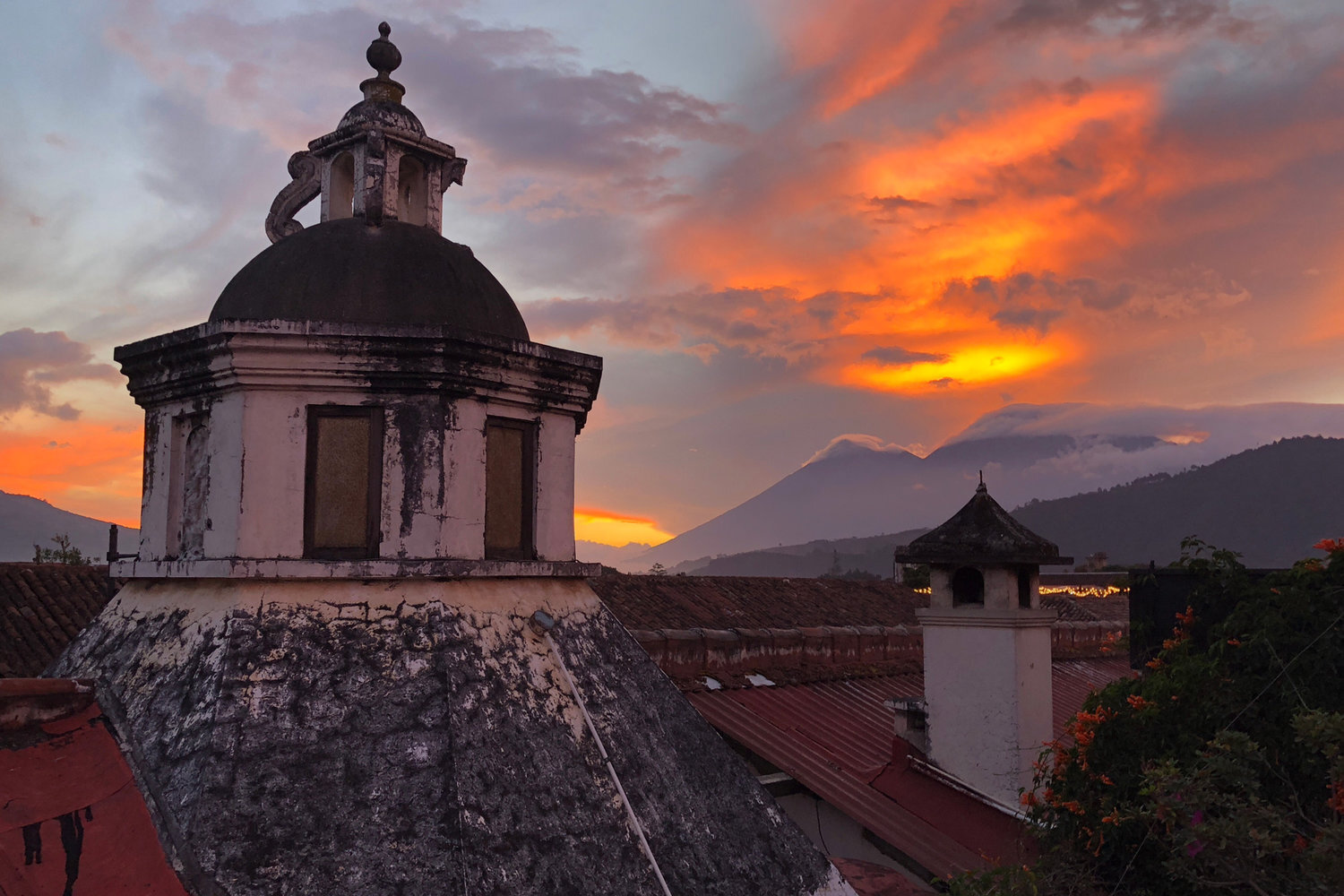 iPhone XGuatemala · 2017
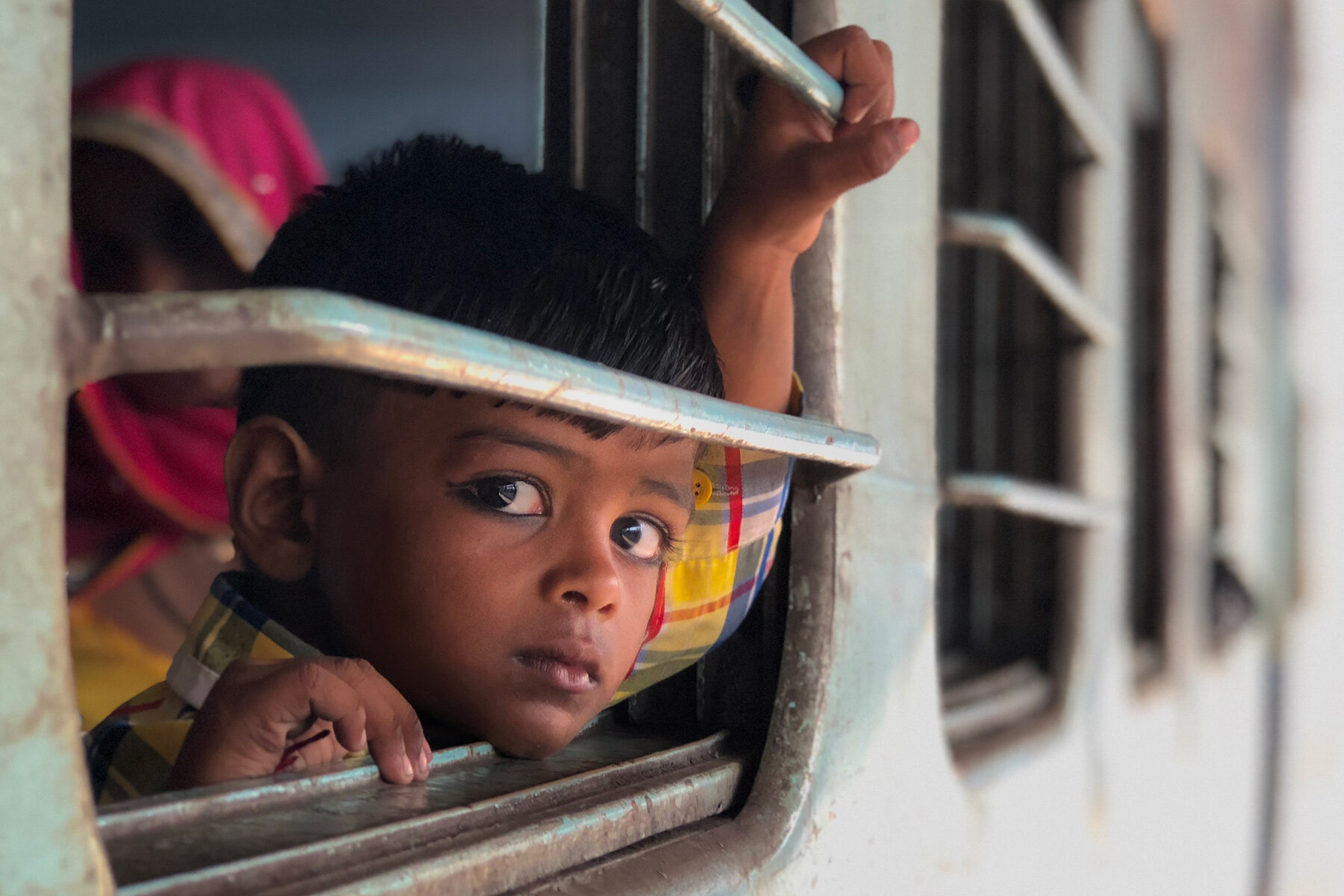 iPhone 8 PlusWestern India · 2017
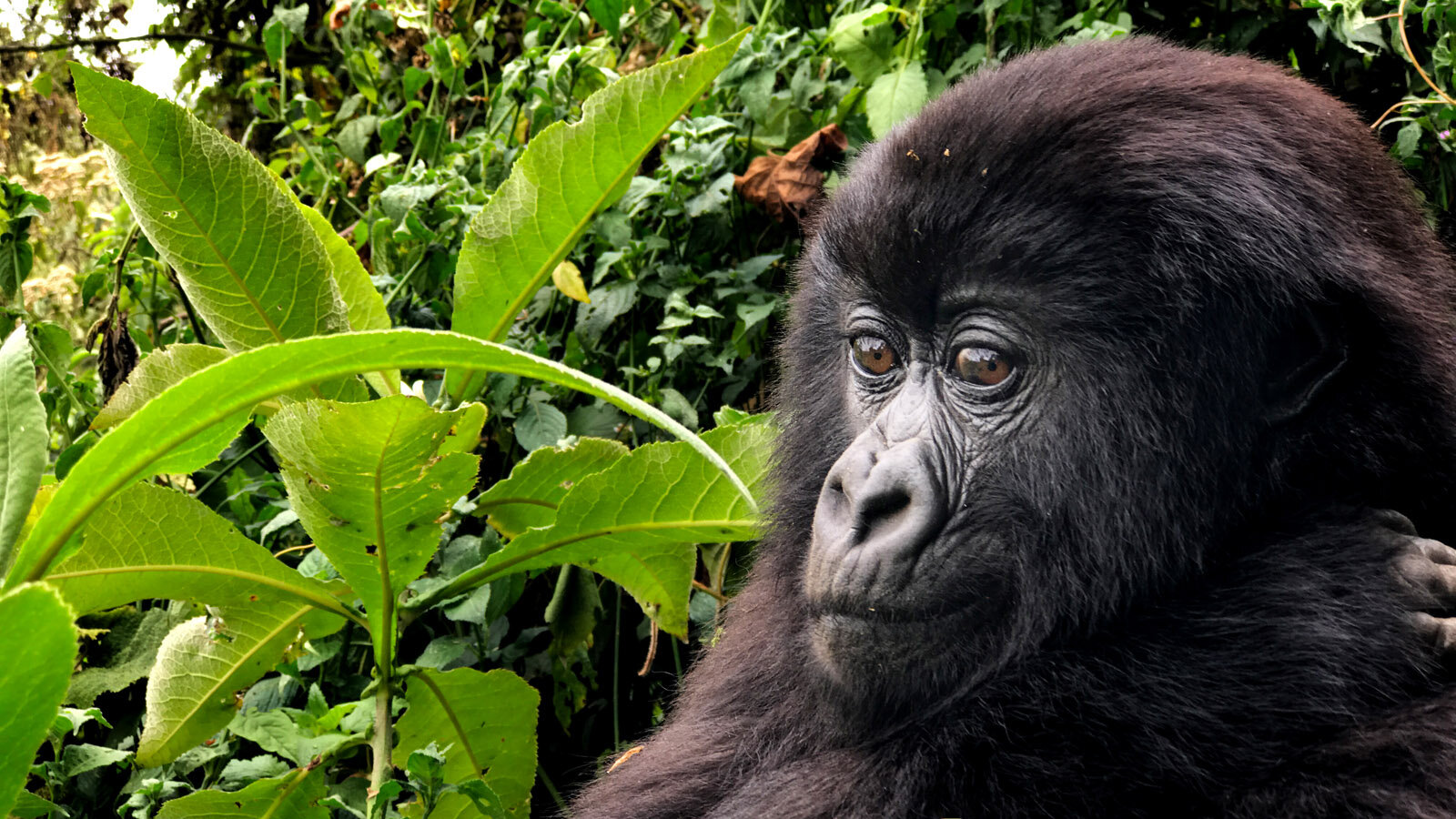 iPhone 7 PlusRwanda · 2016
 iPhone 6sSwitzerland · 2015
 iPhone 6sSwitzerland · 2015
 iPhone 6 PlusIceland · 2014
 iPhone 5SPatagonia, Argentina · 2013
Comments